Guides
Practical writing about sideloaded apps, TV playback and what changed in each release.
Guides
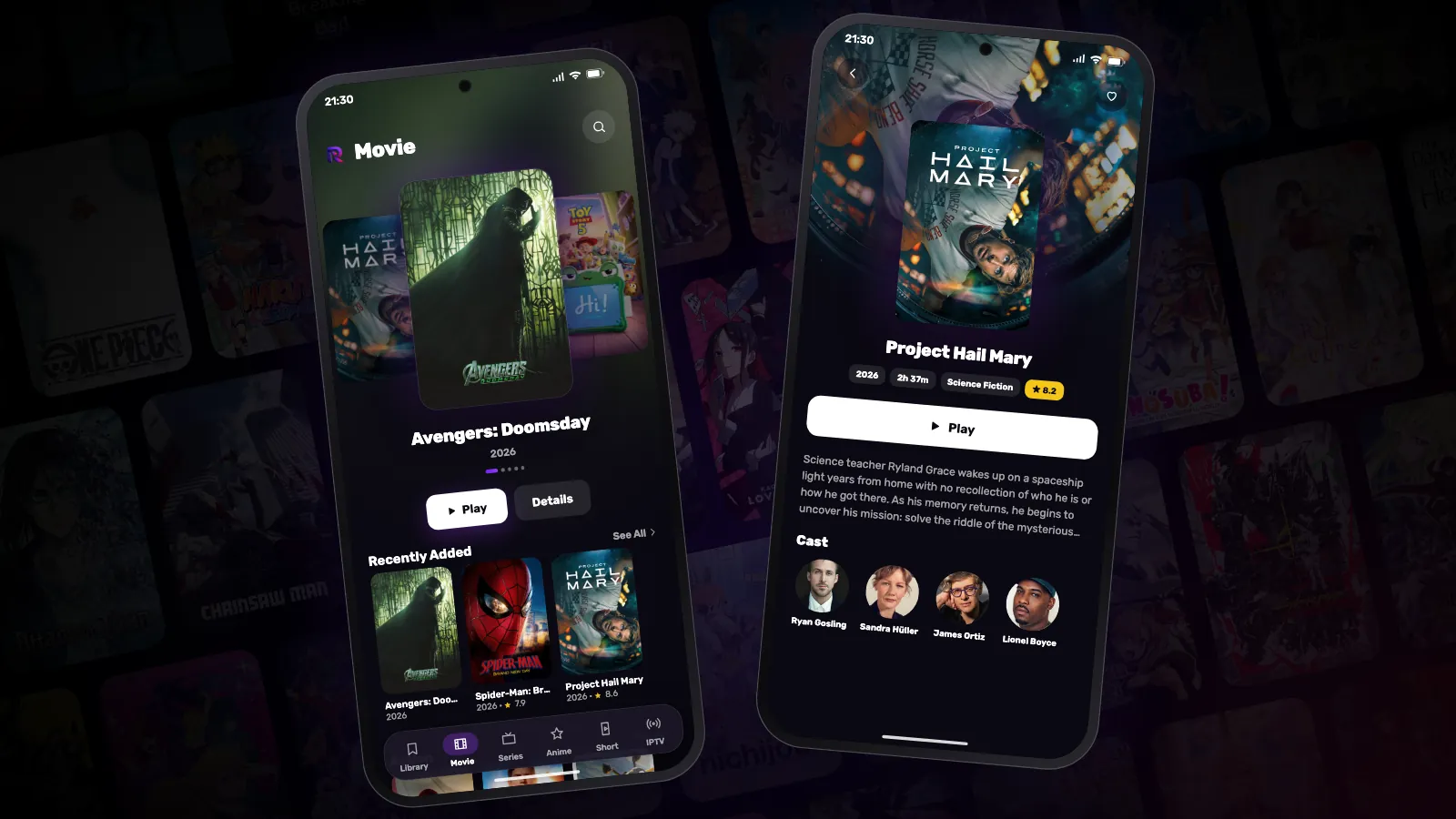
How to install Reeltu on an Android phone
Reeltu comes as an APK straight from our release server. Download it in your browser, allow that browser to install apps once, and you are done in a minute.
Guides
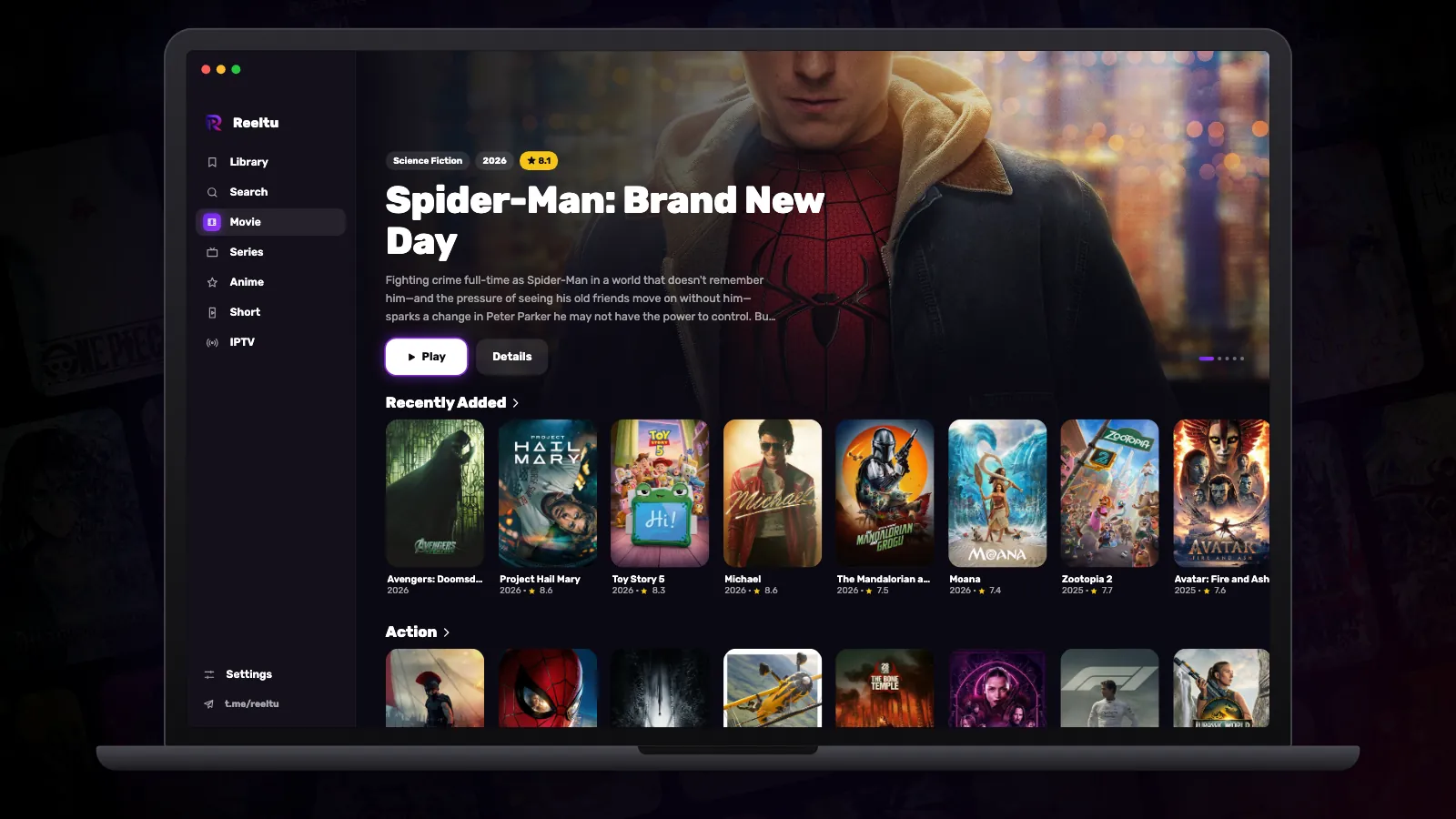
How to install Reeltu on a Mac
A disk image you open and drag into Applications. The app is signed and notarised by Apple, so macOS opens it without an unidentified-developer warning.
Guides
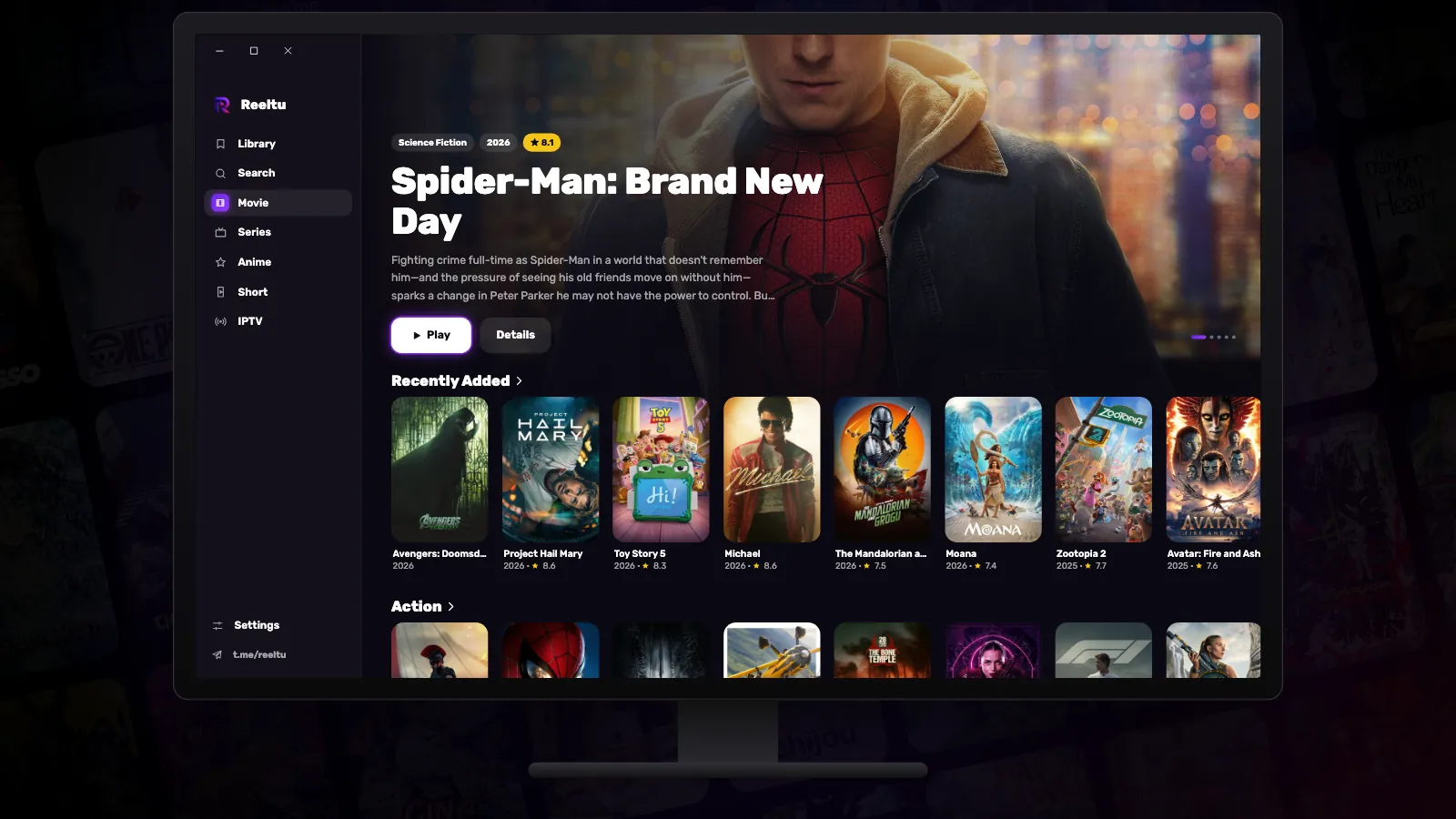
How to install Reeltu on Windows
Pick the x64 or ARM installer, get past one SmartScreen screen, and Reeltu installs for your account without asking for administrator rights.
Guides
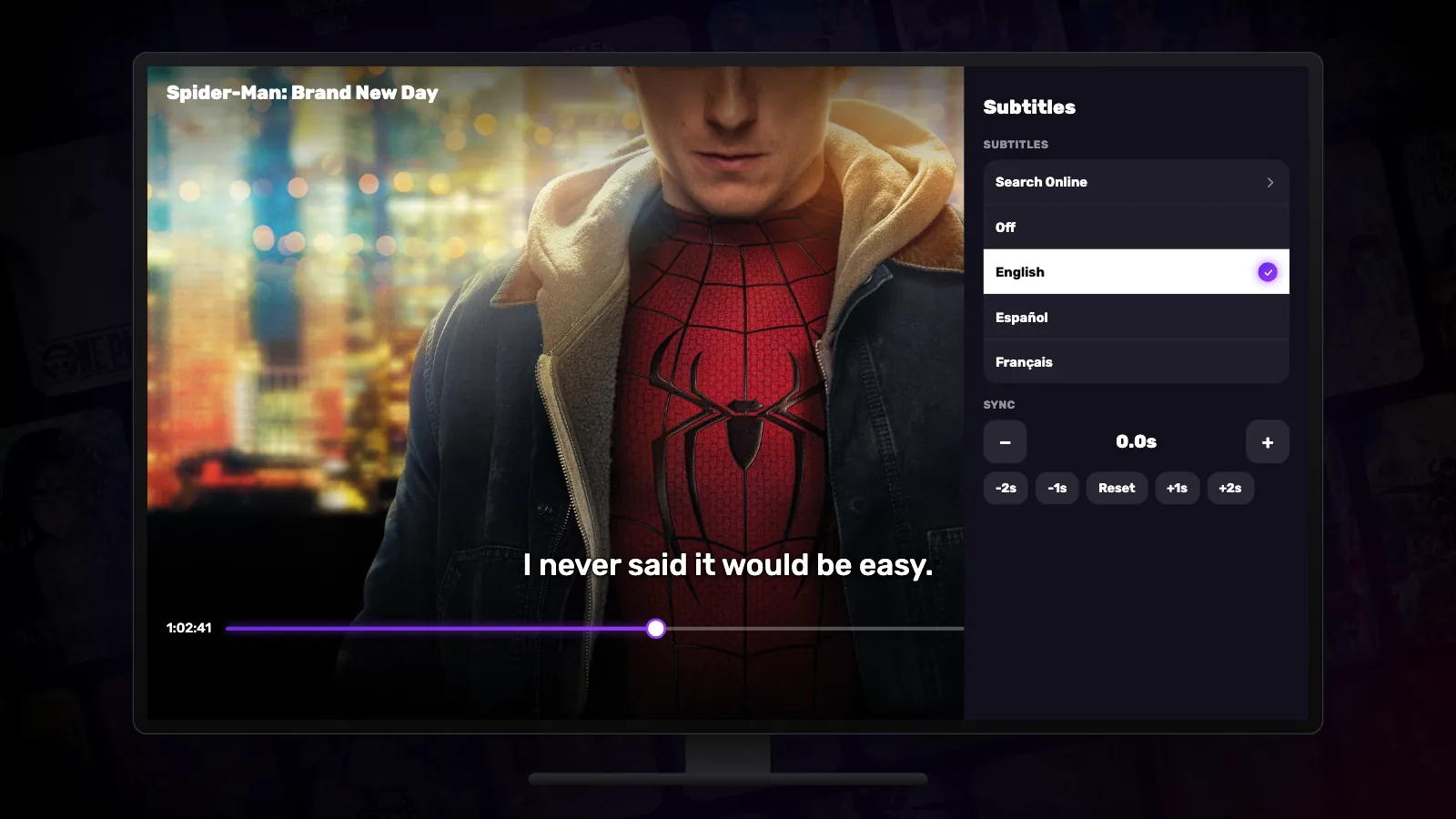
Subtitles, audio and playback speed in Reeltu
Where to find subtitles online without leaving the film, how to fix their timing and size, when you can switch the audio track, and how playback speed works.
Guides
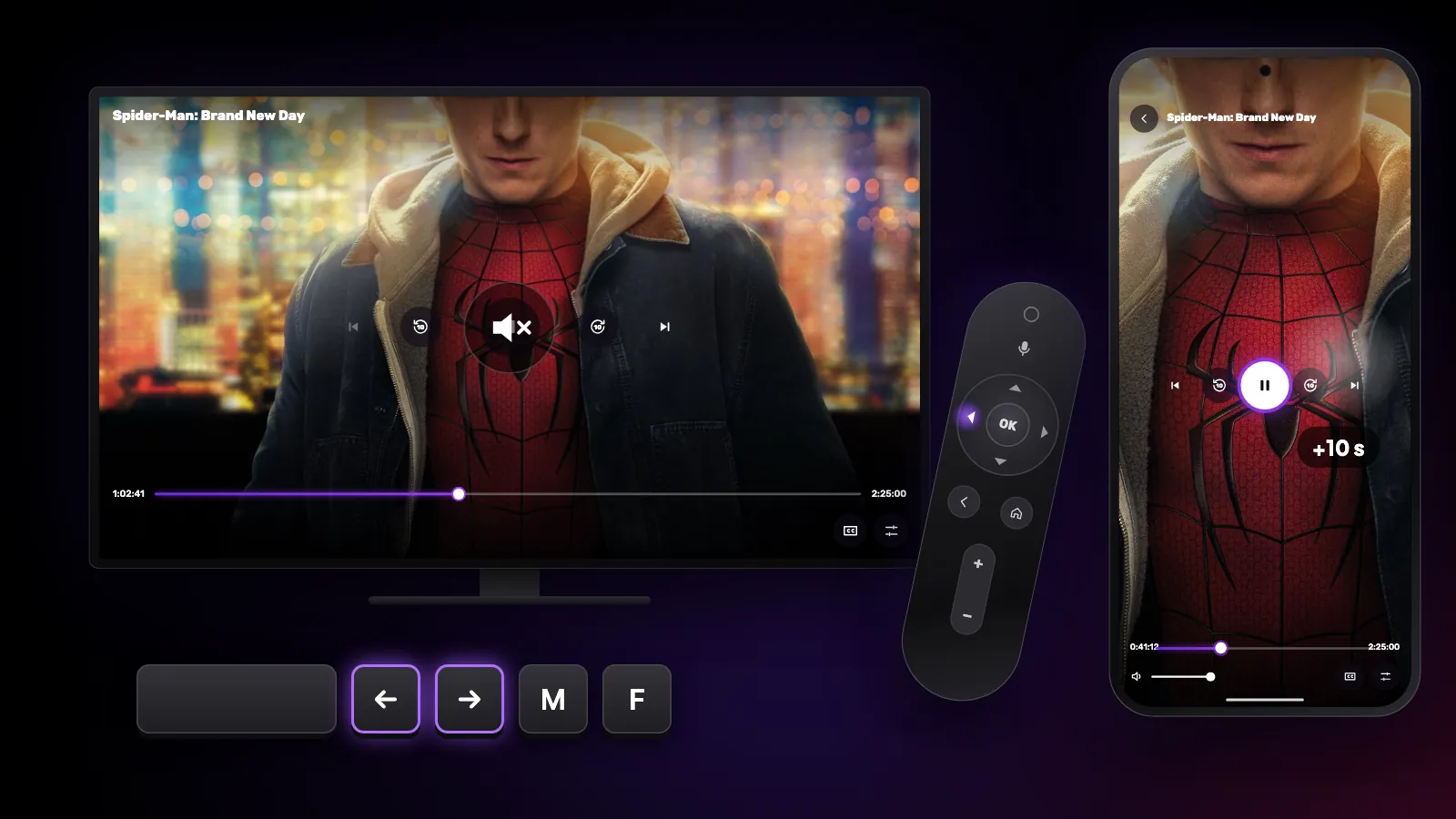
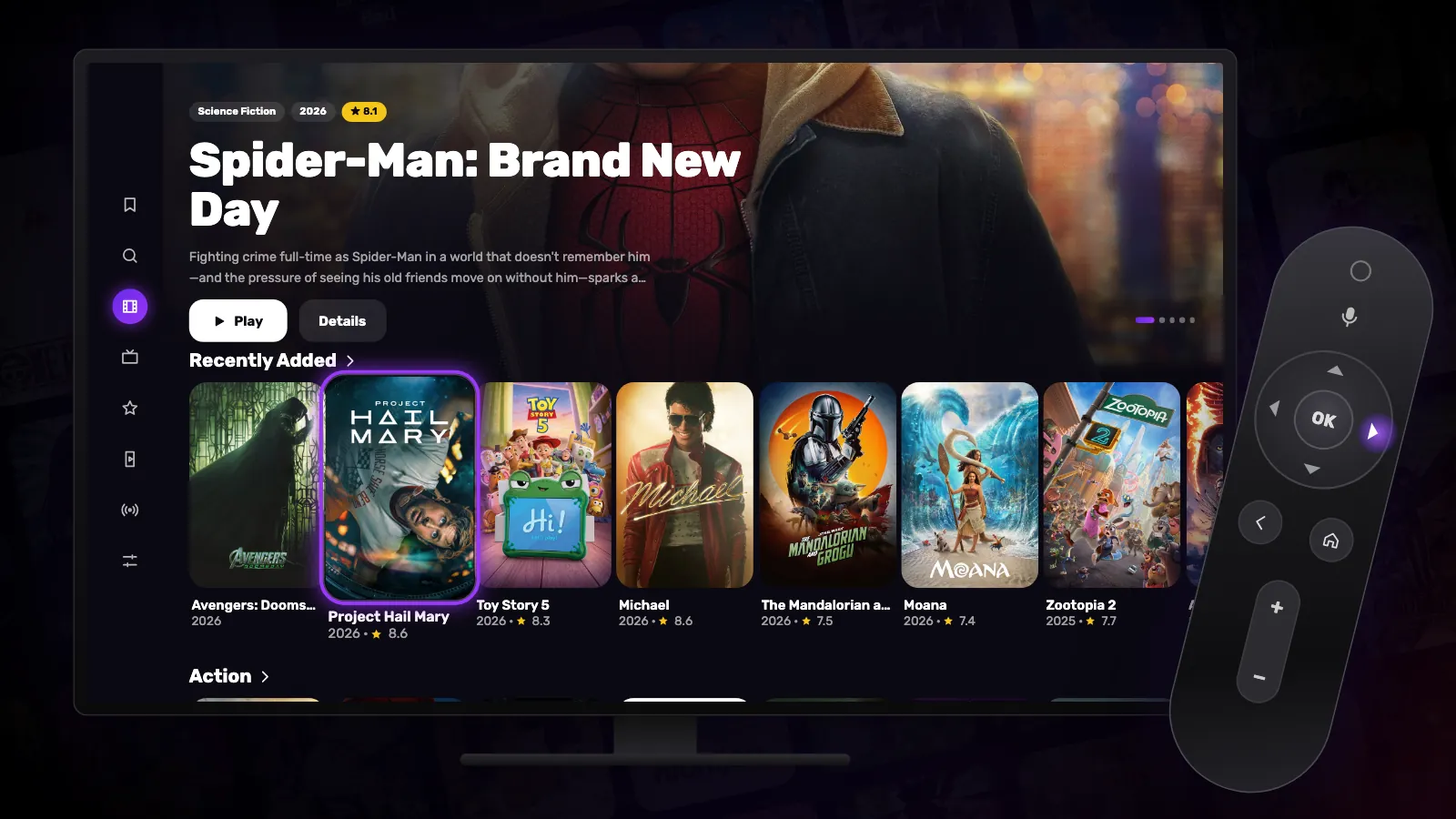
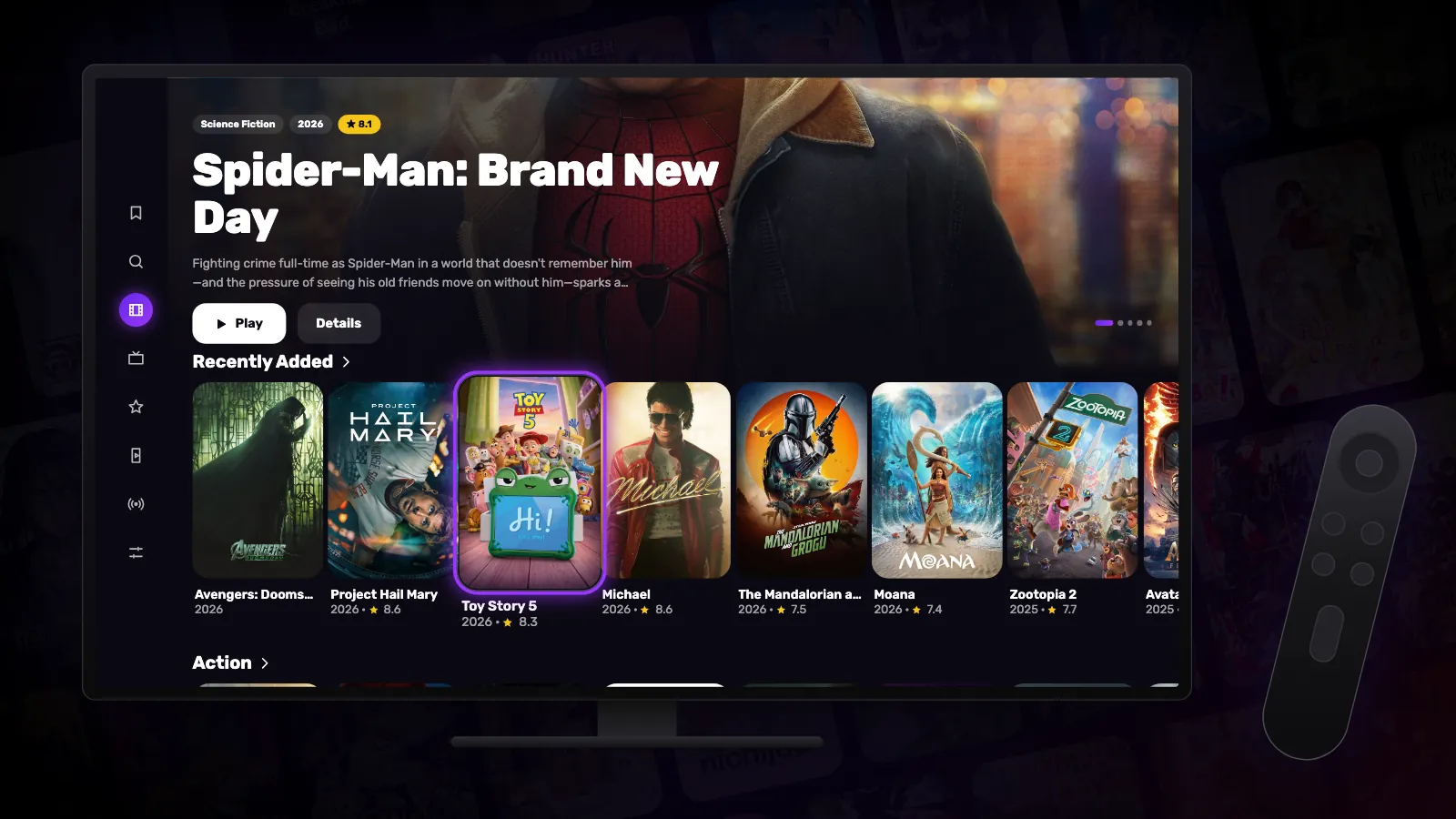
Using Reeltu with a TV remote
A tour of Reeltu on Android TV and Google TV: the side rail, favourites with a long press, Continue Watching, search, and the player controls.
Guides
How to install Reeltu on Google TV and Android TV
There is no store button to press, but there is a short, reliable path: the Downloader app, an address you can type with a remote, and one permission prompt.
Watch Reeltu
30 seconds of the app, in your language.