How to install Reeltu on an Android phone
Reeltu comes as an APK straight from our release server. Download it in your browser, allow that browser to install apps once, and you are done in a minute.
· 5 min read
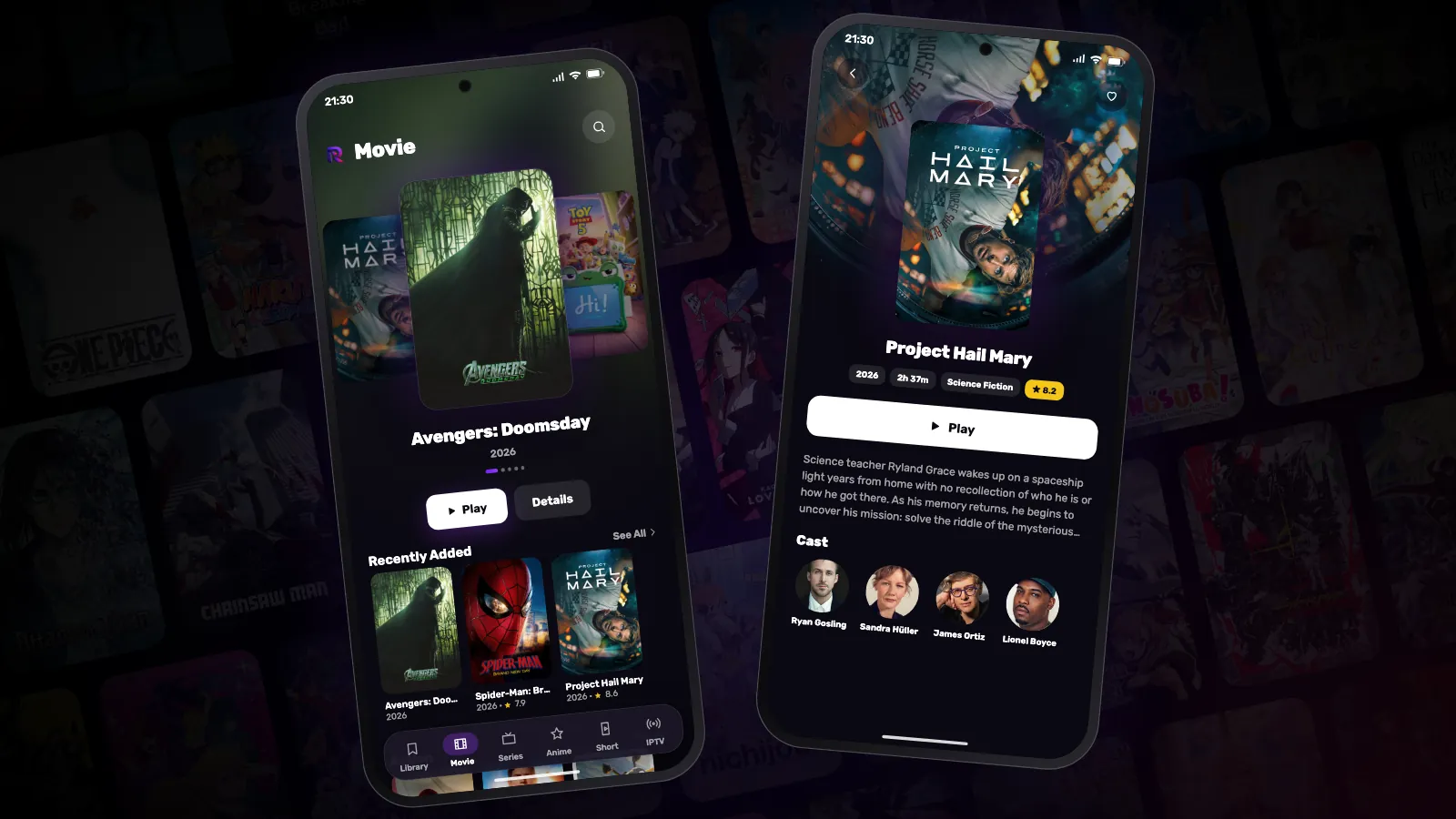
In this article
Reeltu is not in a store, so on an Android phone you install the file yourself. It is a routine thing on Android and takes about a minute. You need Android 8 or later.
1. Download the APK
Open reeltu.com/download in your phone’s browser. The page recognises that you are on Android and puts the phone build at the top. Tap Download.
Your browser may point out that this type of file can harm a device and ask whether to keep it. That warning appears for every APK, whoever made it; confirm that you want to download it.
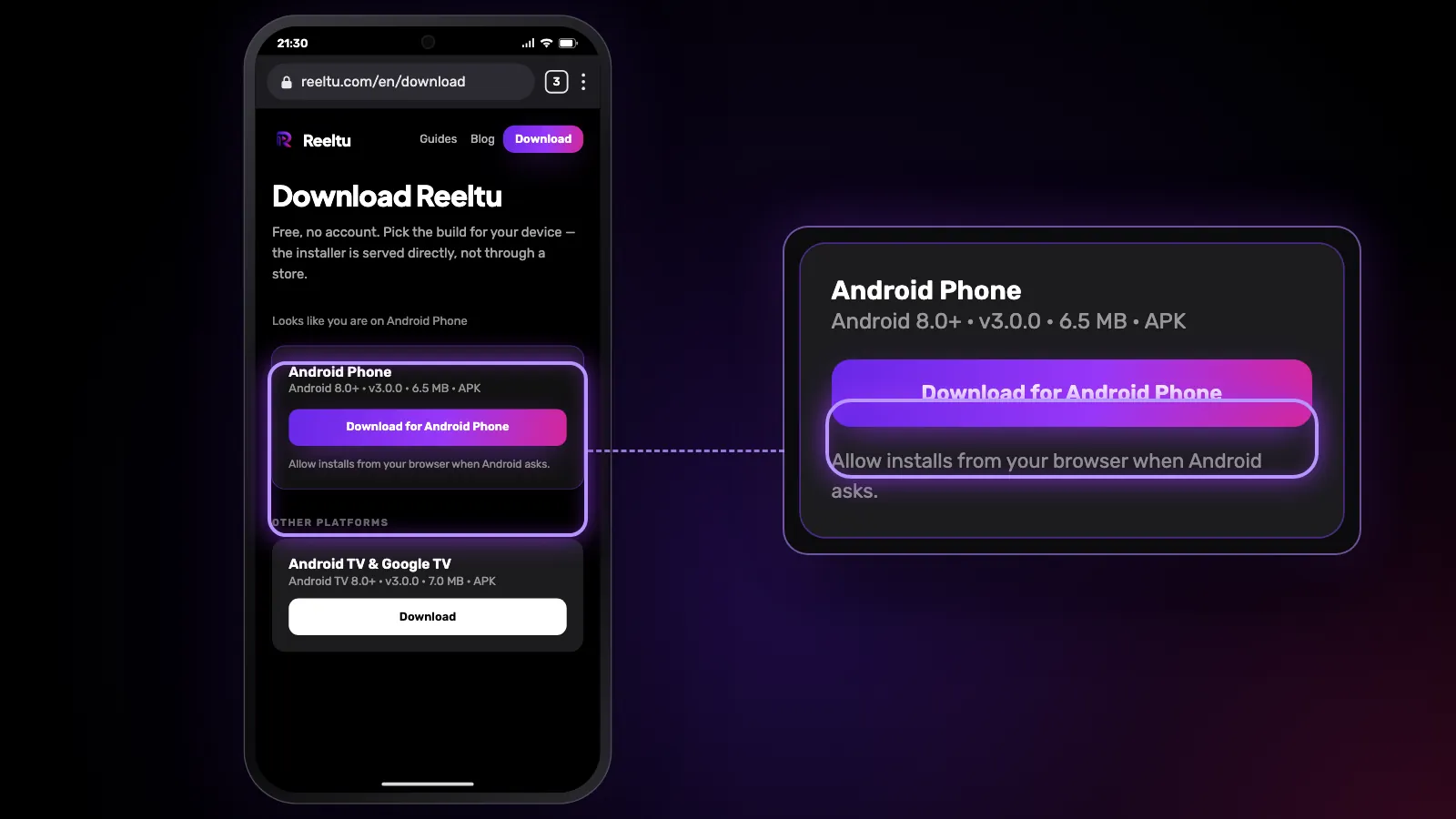
2. Open the file and allow the install
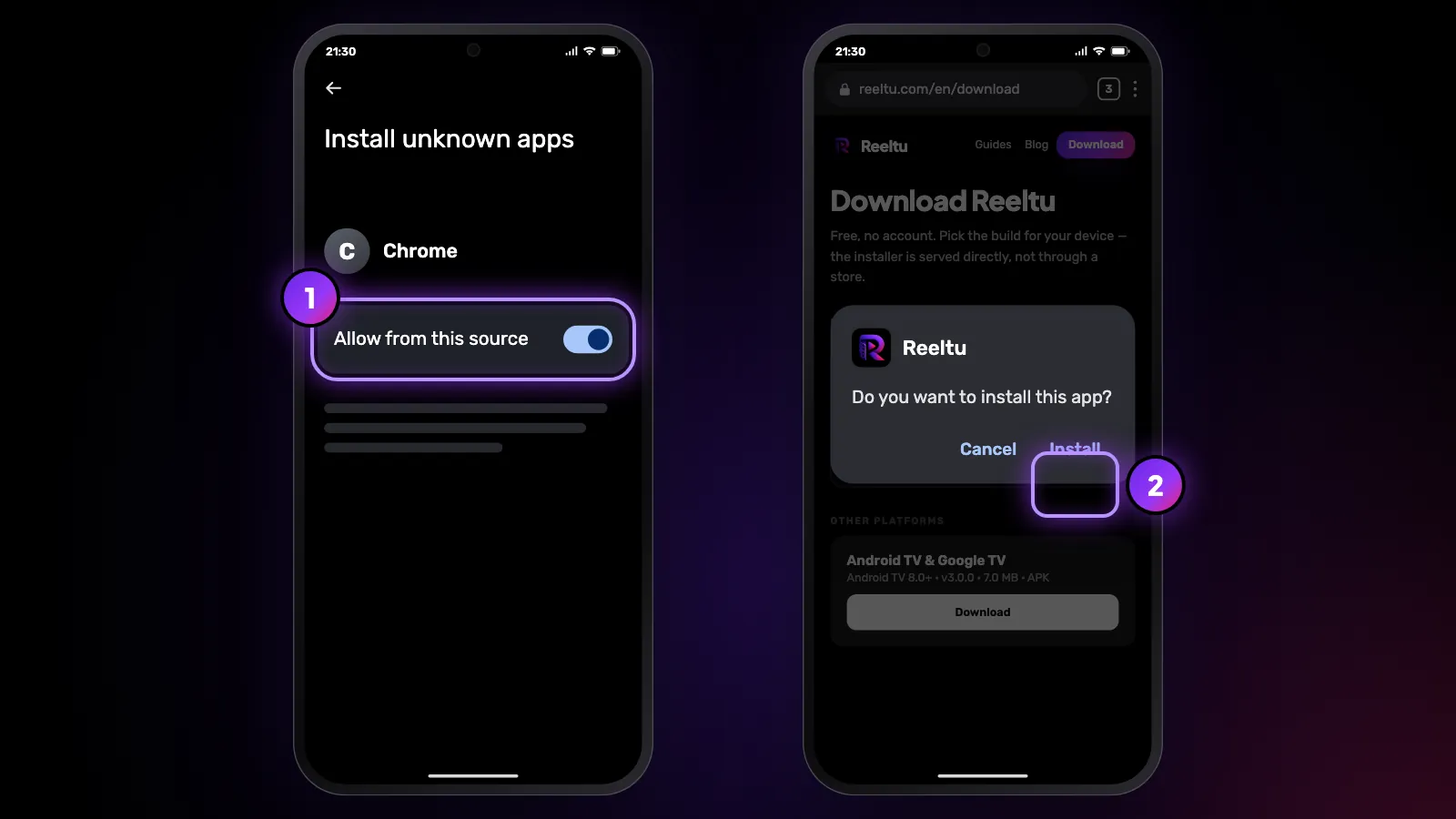
Tap the finished download in the notification, or find it in your Files app under Downloads. The first time, Android says your browser is not allowed to install apps and offers a shortcut to Settings. Switch on the permission for that browser, go back, and tap Install.
The permission belongs to that one browser. You can switch it off again once Reeltu is installed; the app stays.
3. Open Reeltu
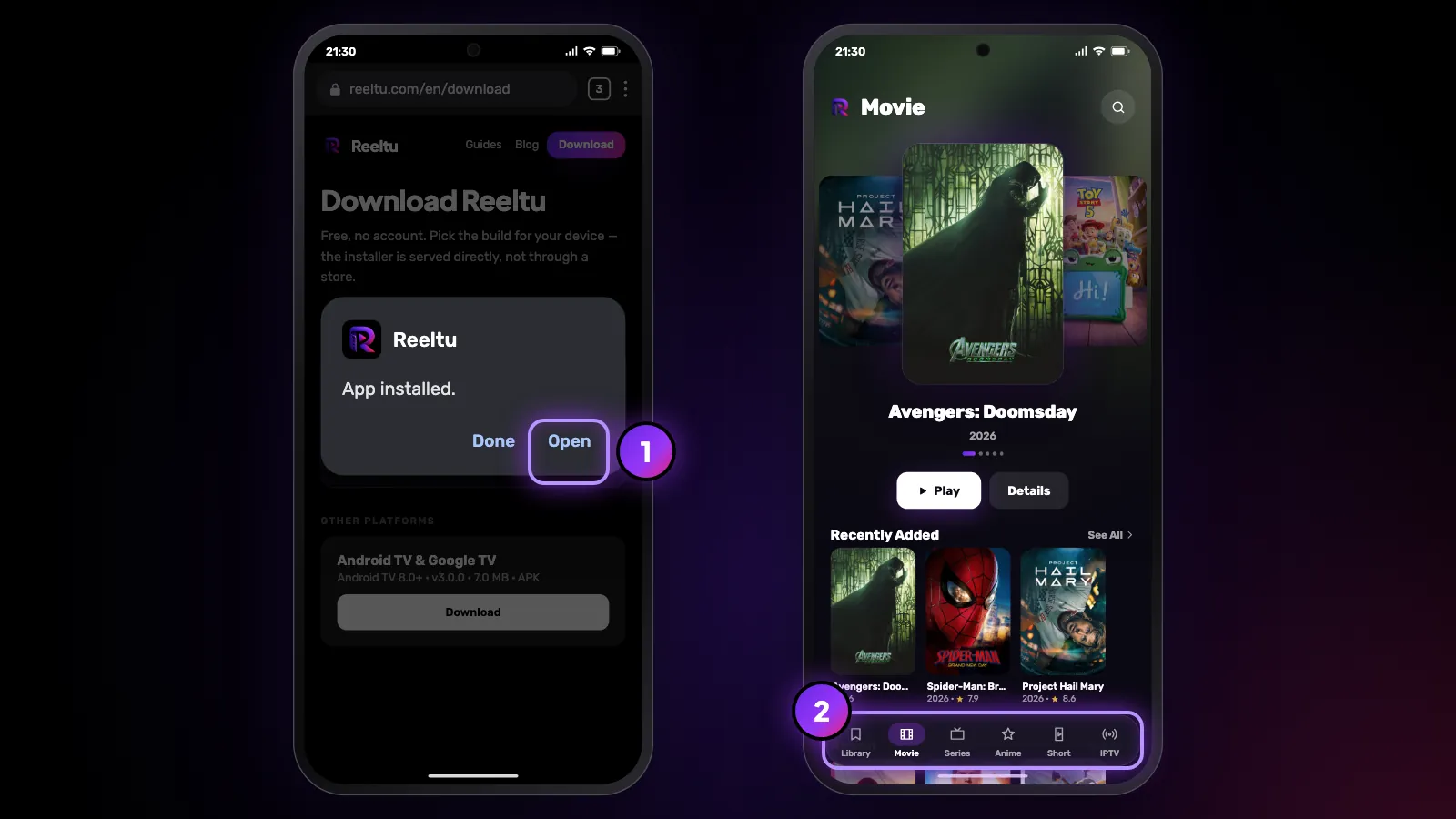
Tap Open. There is no account to create and nothing to sign in to — the library is there straight away, and the tabs along the bottom take you around the app.
Updates
Reeltu asks you to update only when a new version is required; until then it keeps working as it is. When one is required, Reeltu shows an Update required screen. On Android 10 and later it downloads the file itself into your Downloads folder, shows the progress, and then the file name; open it from Downloads to install the update over the one you have. Your favourites and your place in what you are watching are kept.
On Android 8 and 9 the update screen has a Download button that opens the download page instead; from there it is steps 1 and 2 again.
If it does not work
If the file will not open or Android reports a problem parsing it, the download was interrupted — delete it from Downloads and download it again. If there is no Install button at all, check that the permission in step 2 was switched on for the browser you actually used.
Watch Reeltu
30 seconds of the app, in your language.
Keep reading
Guides
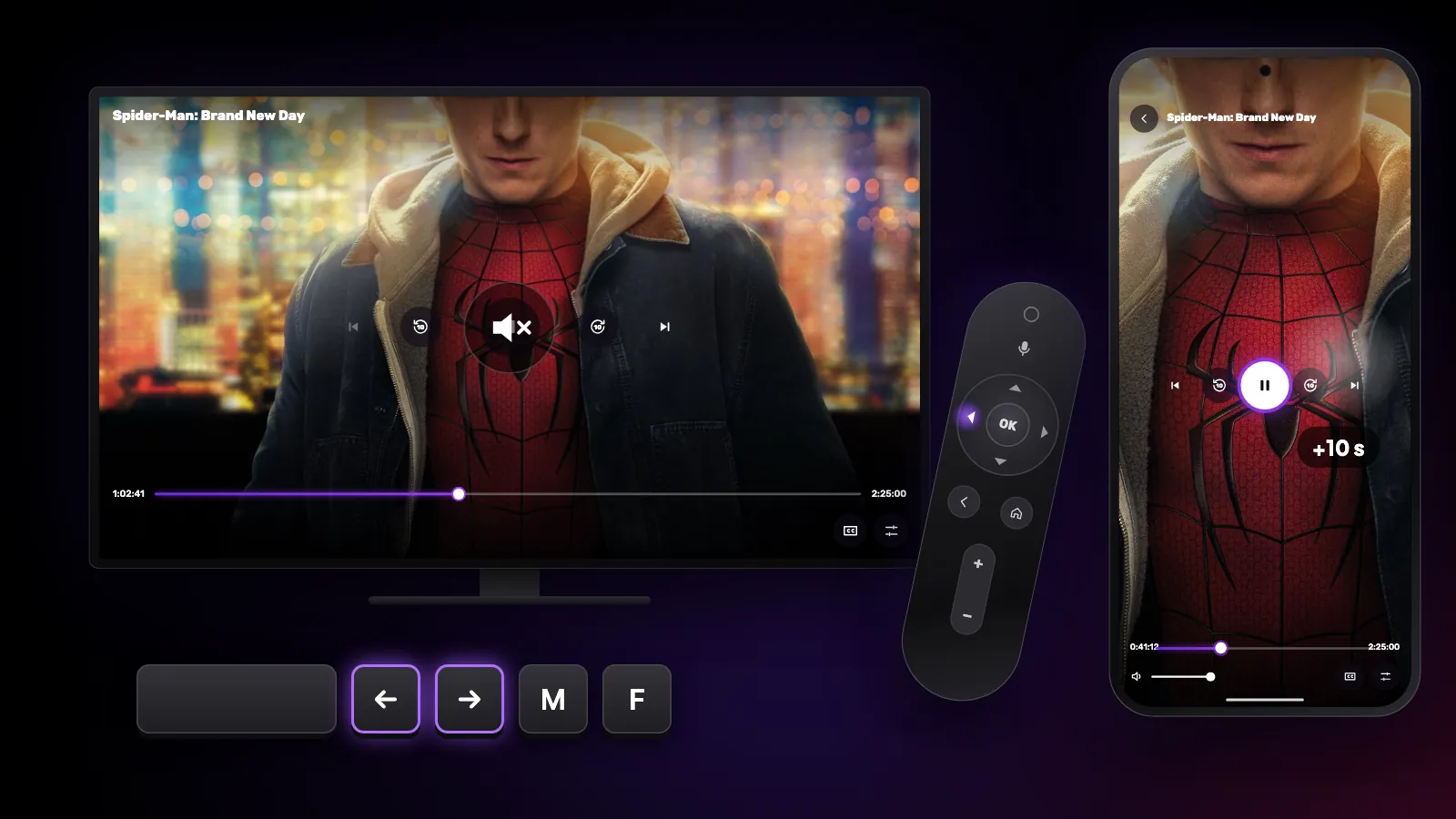
Shortcuts and gestures you might not know
The hidden controls in Reeltu: remote keys on Android TV, touch gestures on the phone, and keyboard and mouse shortcuts on Windows and Mac.
Guides
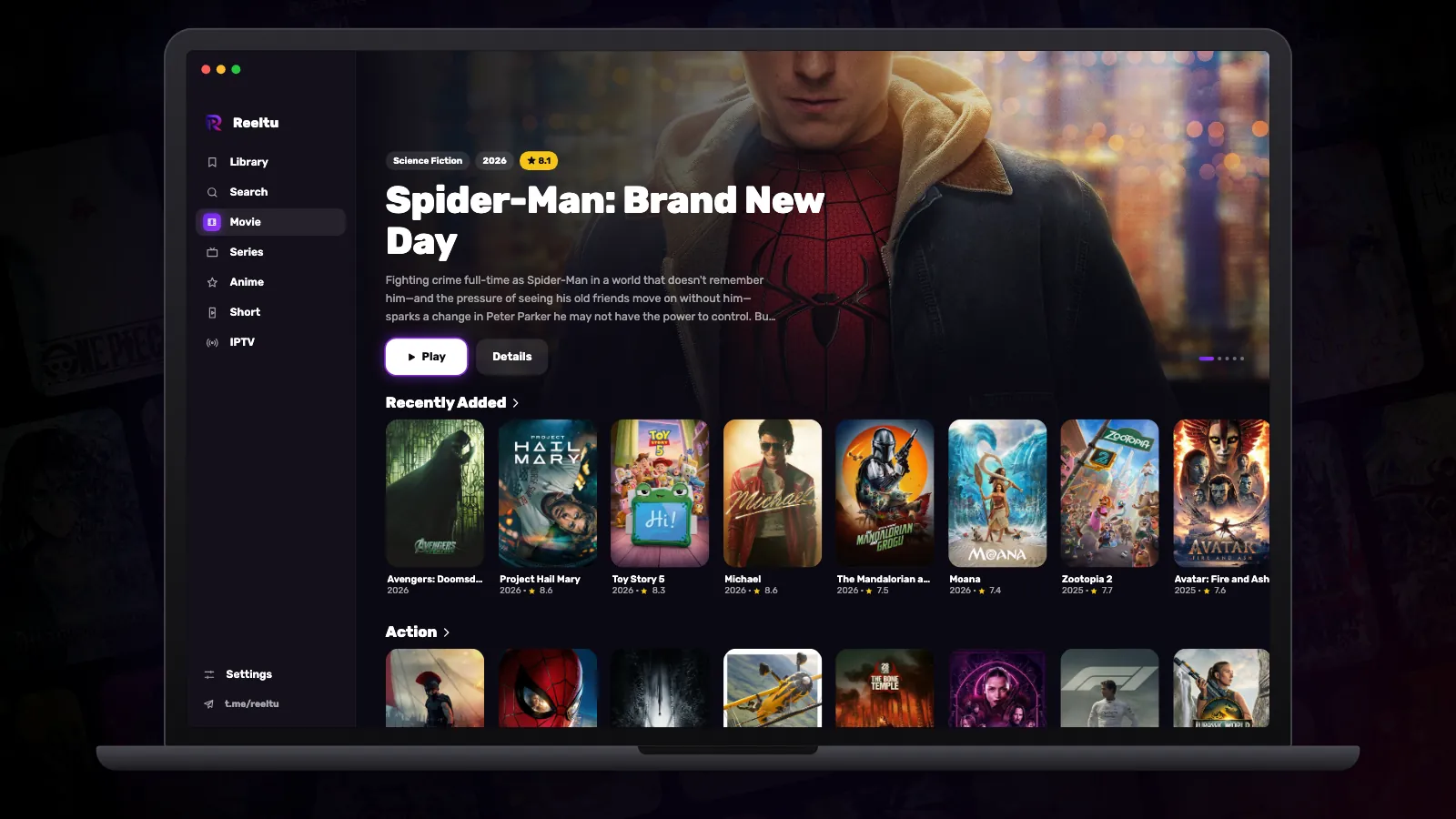
How to install Reeltu on a Mac
A disk image you open and drag into Applications. The app is signed and notarised by Apple, so macOS opens it without an unidentified-developer warning.
Guides
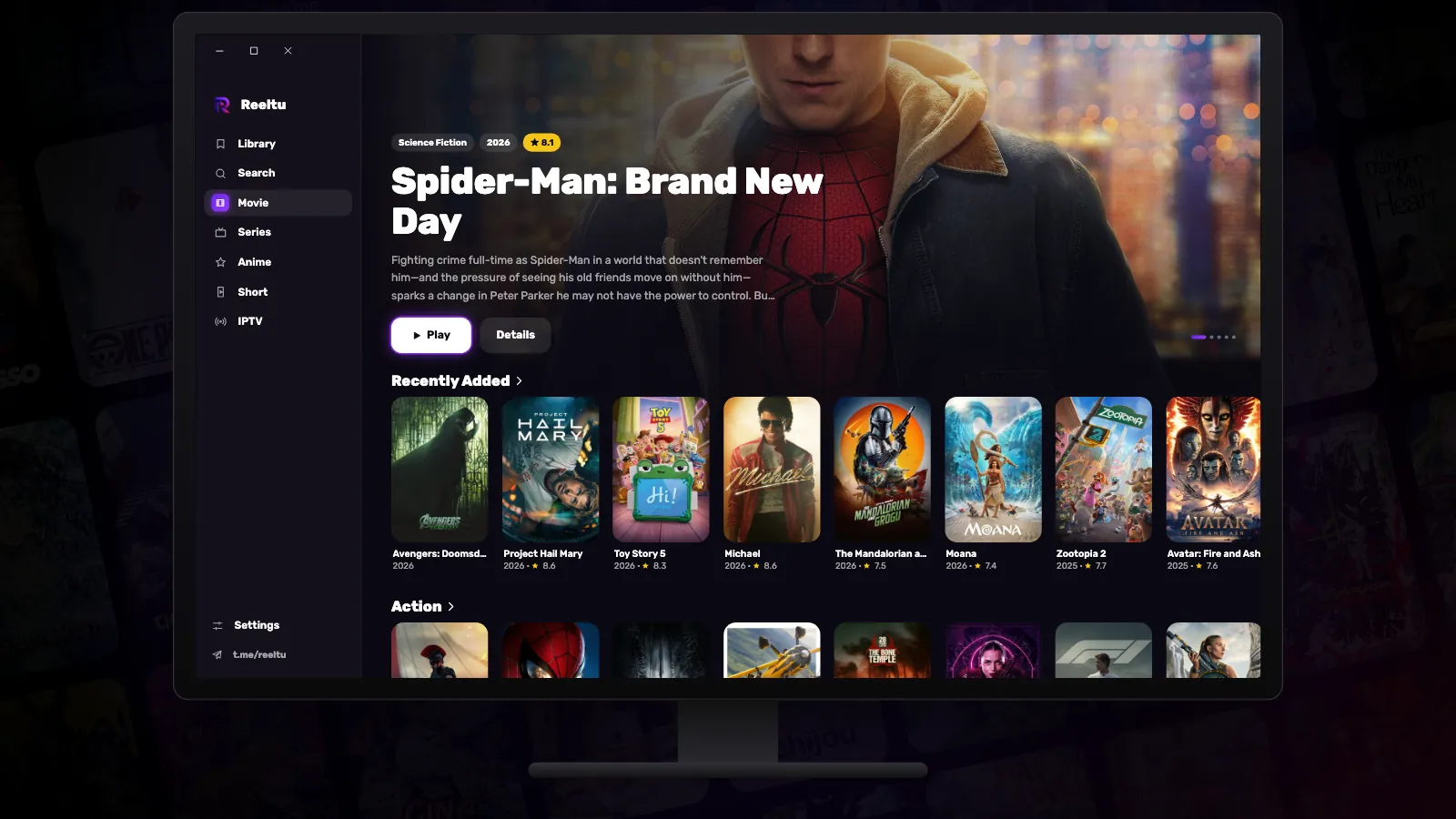
How to install Reeltu on Windows
Pick the x64 or ARM installer, get past one SmartScreen screen, and Reeltu installs for your account without asking for administrator rights.