Using Reeltu with a TV remote
A tour of Reeltu on Android TV and Google TV: the side rail, favourites with a long press, Continue Watching, search, and the player controls.
· 6 min read
In this article
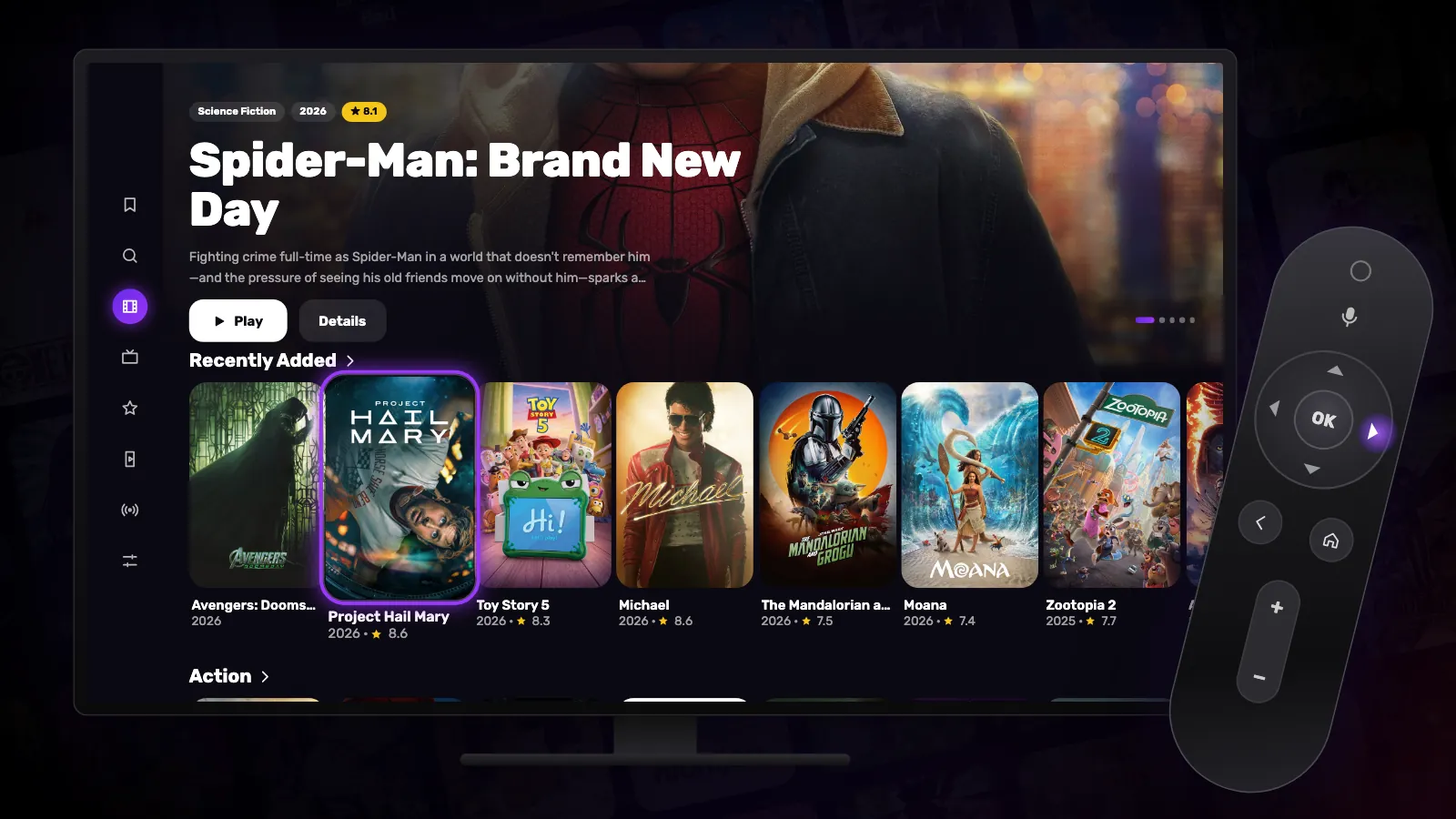
Reeltu on Android TV and Google TV is built for the remote: every screen is reachable with the arrows, OK and Back, and nothing needs a pointer or a keyboard unless you are searching.
The rail on the left
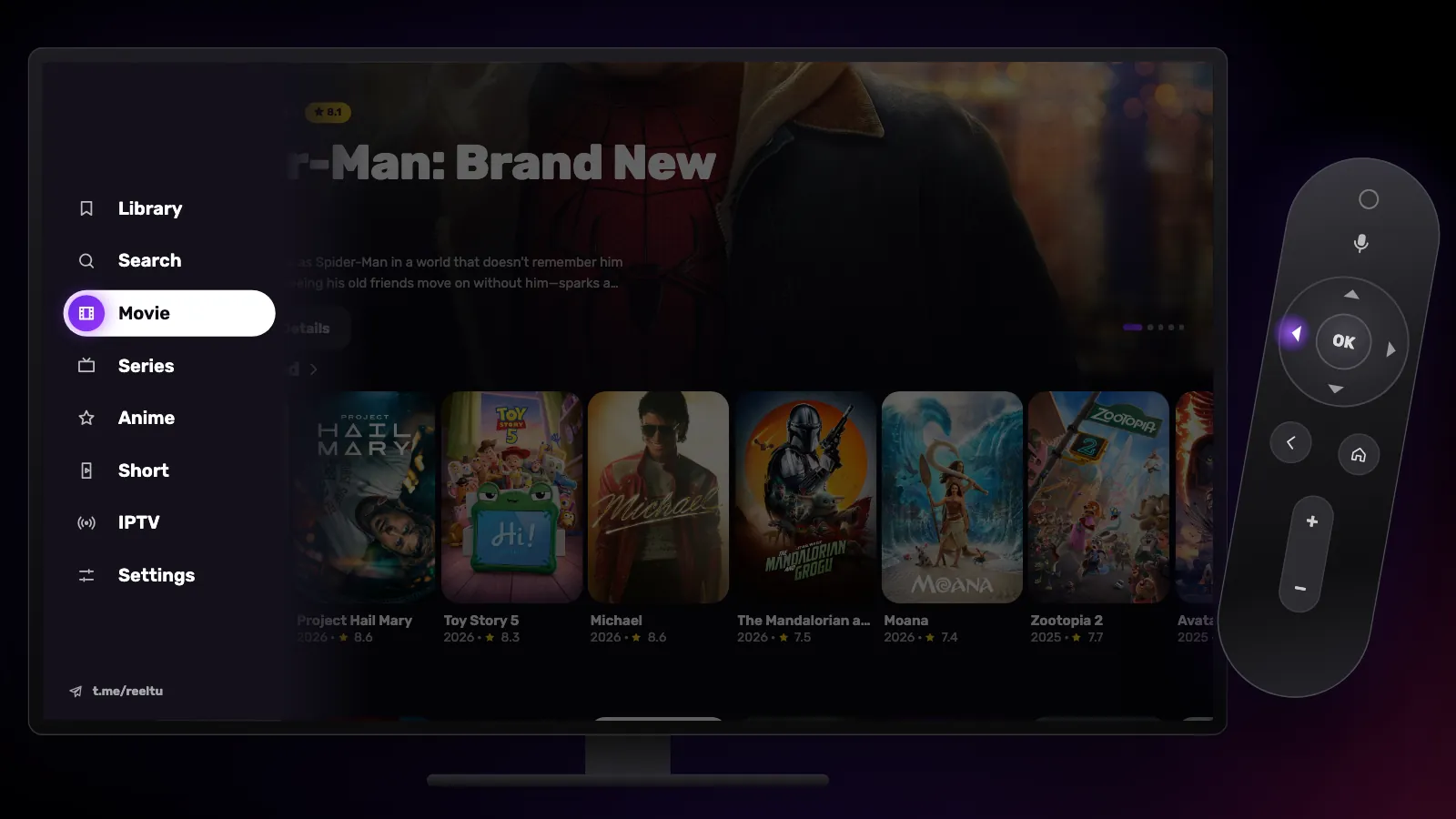
The rail holds, from top to bottom, Library, Search, Movie, Series, Anime, Short, IPTV and Settings. Press left on the first poster of any row to open it; press right, Back or OK to return to the posters.
Reeltu opens on your Library when there is something in it, and on Movie when there is not.
Favourites with a long press
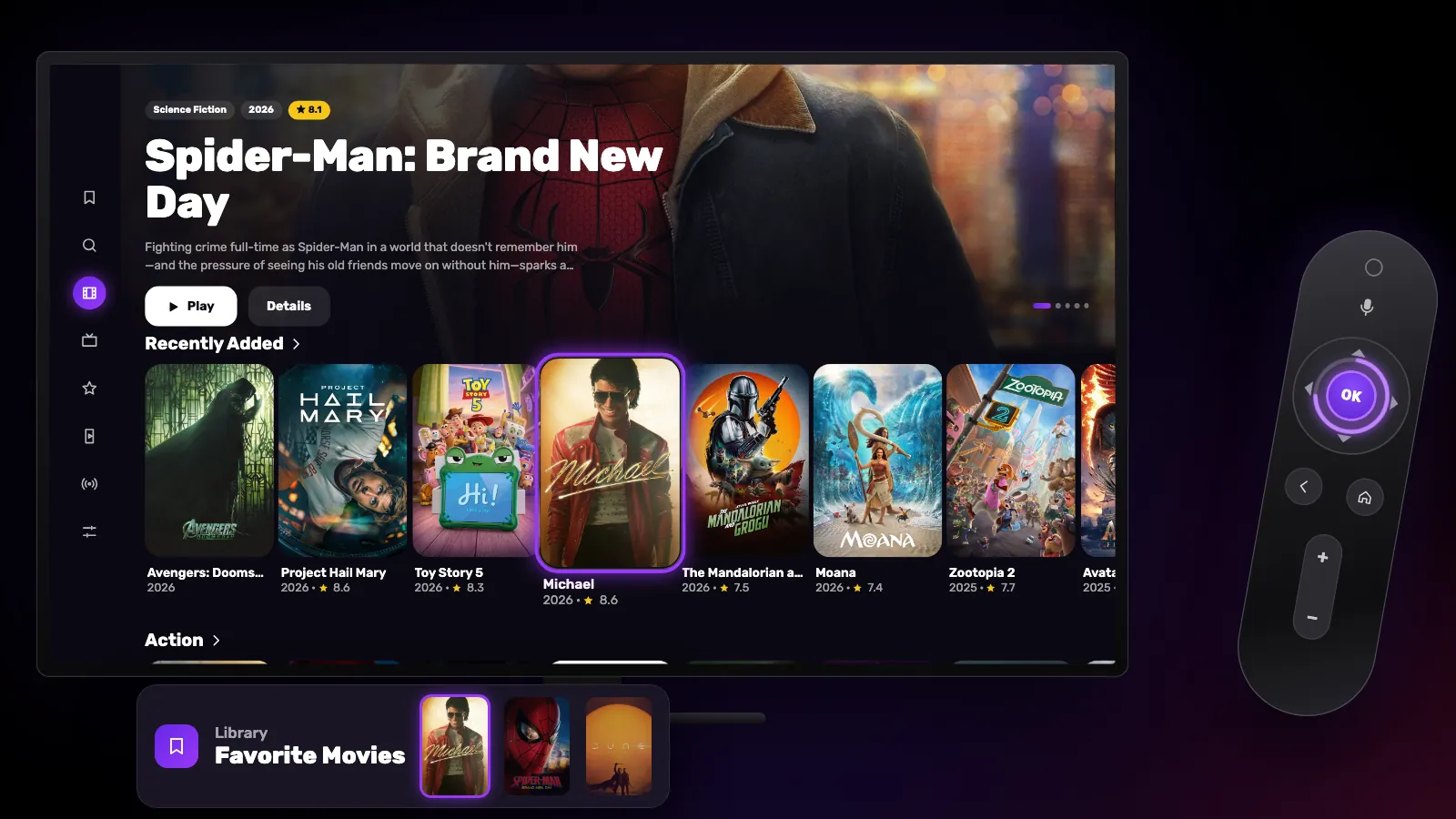
Hold OK on any poster to add it to your favourites, and hold it again to remove it. On a title’s own page, the Favorite button next to Play does the same.
Favourites are kept on the TV itself — there is no account — and appear in the Library in separate rows for movies, series, anime and Short.
Continue Watching
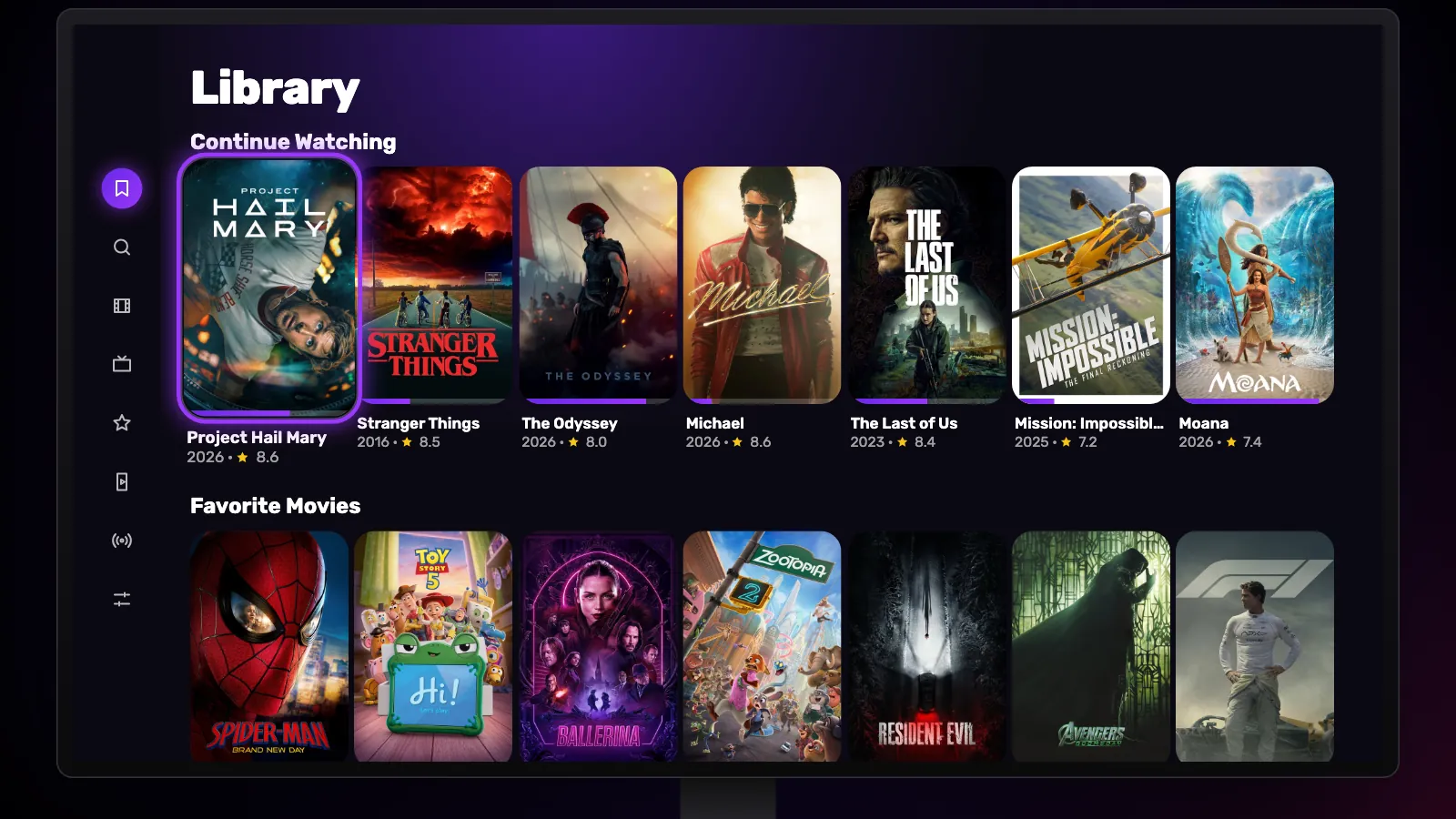
Whatever you have started sits at the top of the Library. Selecting a card there plays it from the second you stopped, without going through its page first. To take something out of the row, hold OK on its card.
Search
Search opens your TV’s own keyboard, so you can type in any language it offers. Results appear after two letters and update as you type. If your remote or TV keyboard has a microphone, you can dictate instead.
In the player
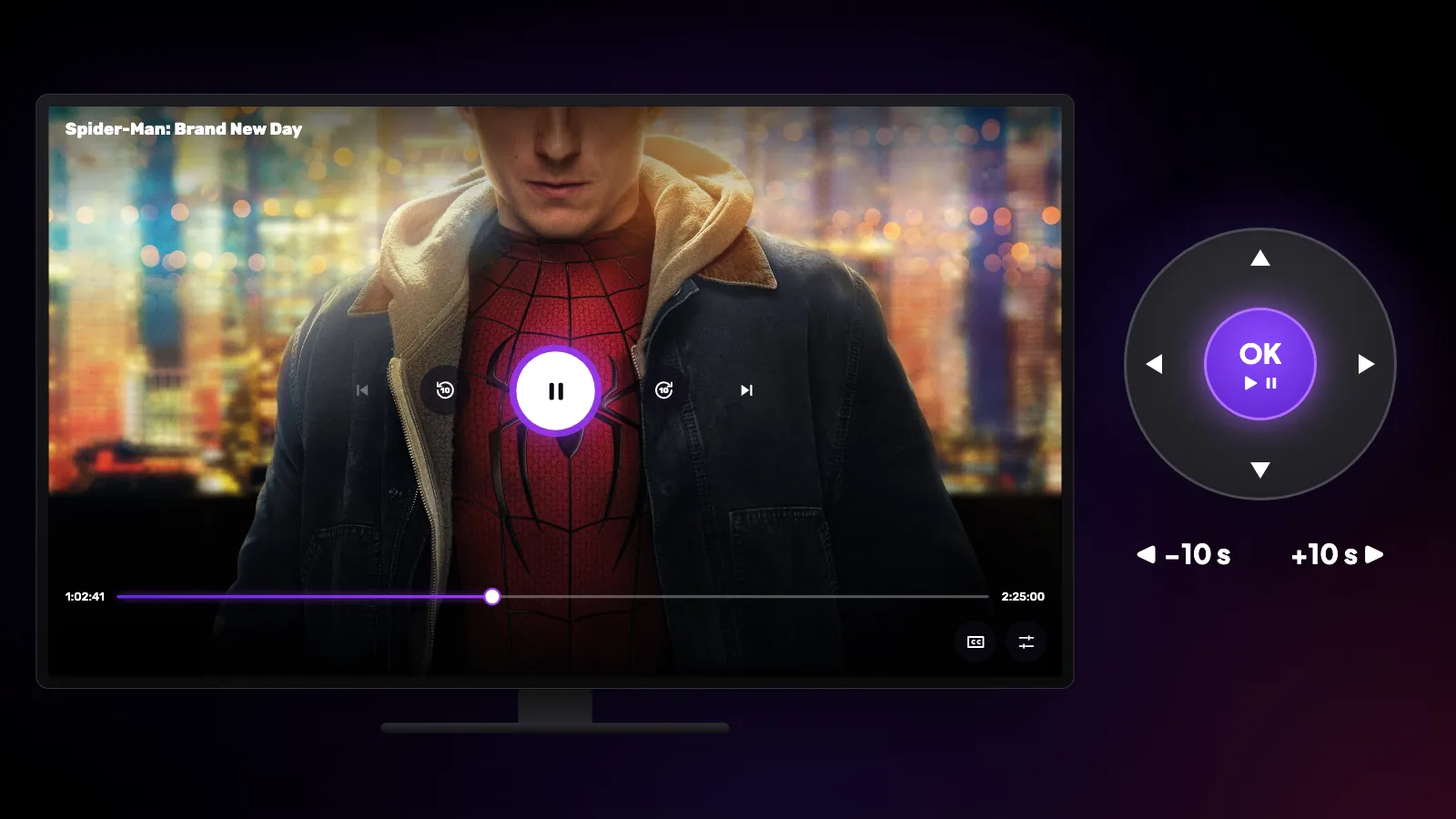
OK pauses and resumes. Left and right skip 10 seconds; press several times to skip further, or hold to scan through the film faster and faster. Up and down bring up the controls, where the subtitle, audio and settings buttons open a panel on the right of the screen. Back closes the panel, then the player.
On your Google TV home screen
Reeltu can add a Recently Added row to your TV’s home screen with the newest films, refreshed every six hours; selecting one opens its page in Reeltu. If the TV asks whether to show the row, allow it.
Watch Reeltu
30 seconds of the app, in your language.
Keep reading
Guides
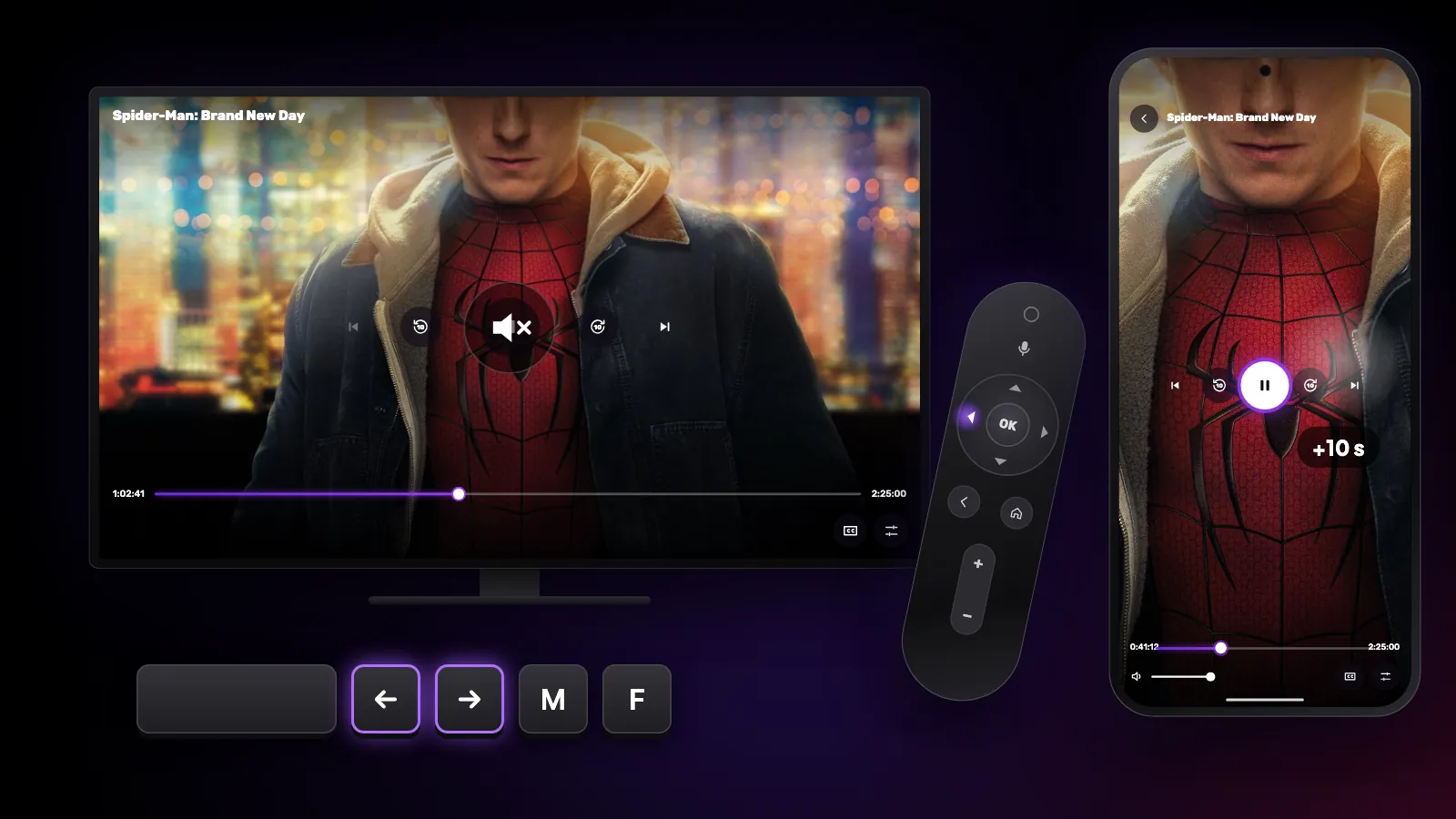
Shortcuts and gestures you might not know
The hidden controls in Reeltu: remote keys on Android TV, touch gestures on the phone, and keyboard and mouse shortcuts on Windows and Mac.
Guides
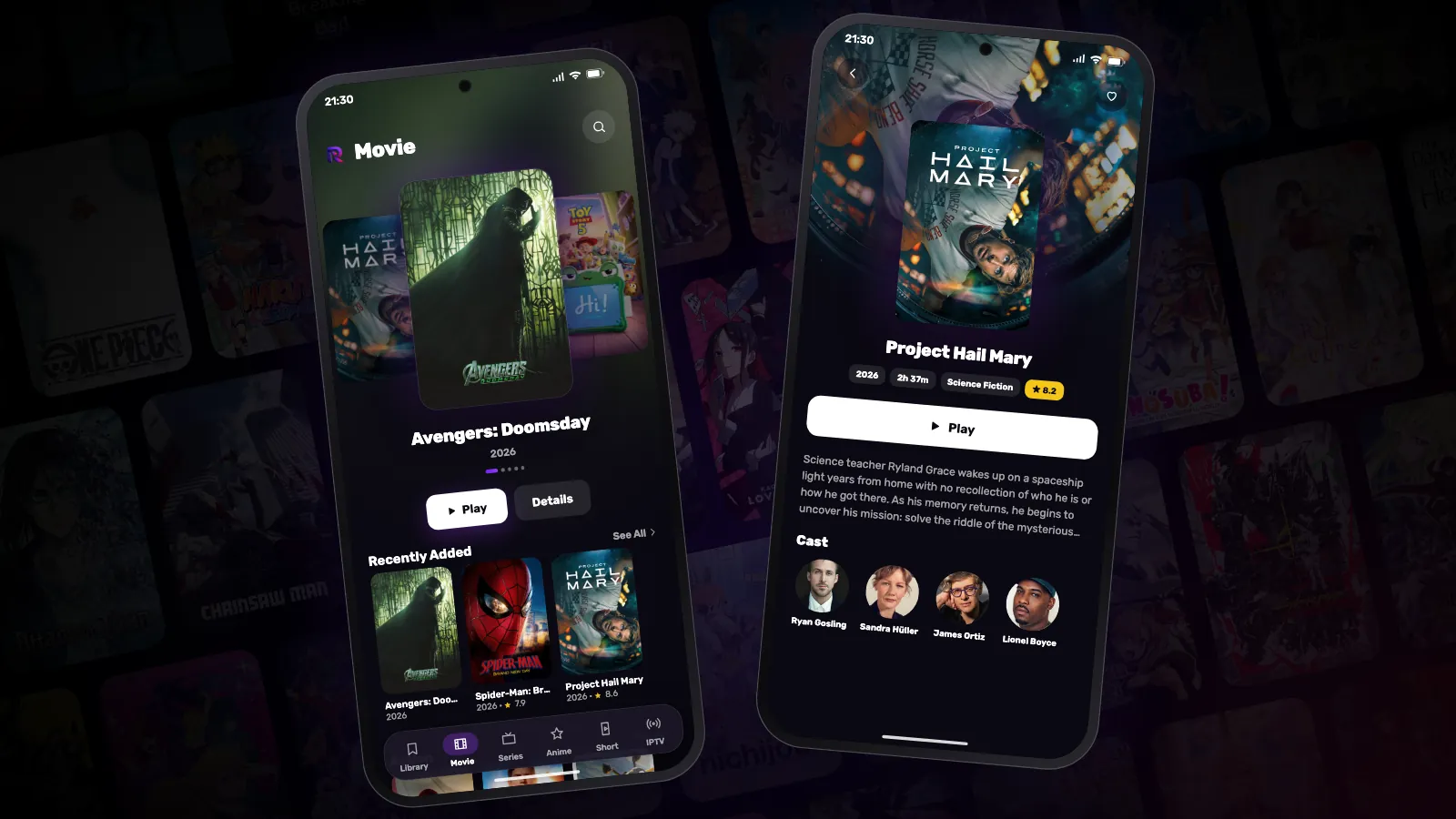
How to install Reeltu on an Android phone
Reeltu comes as an APK straight from our release server. Download it in your browser, allow that browser to install apps once, and you are done in a minute.
Guides
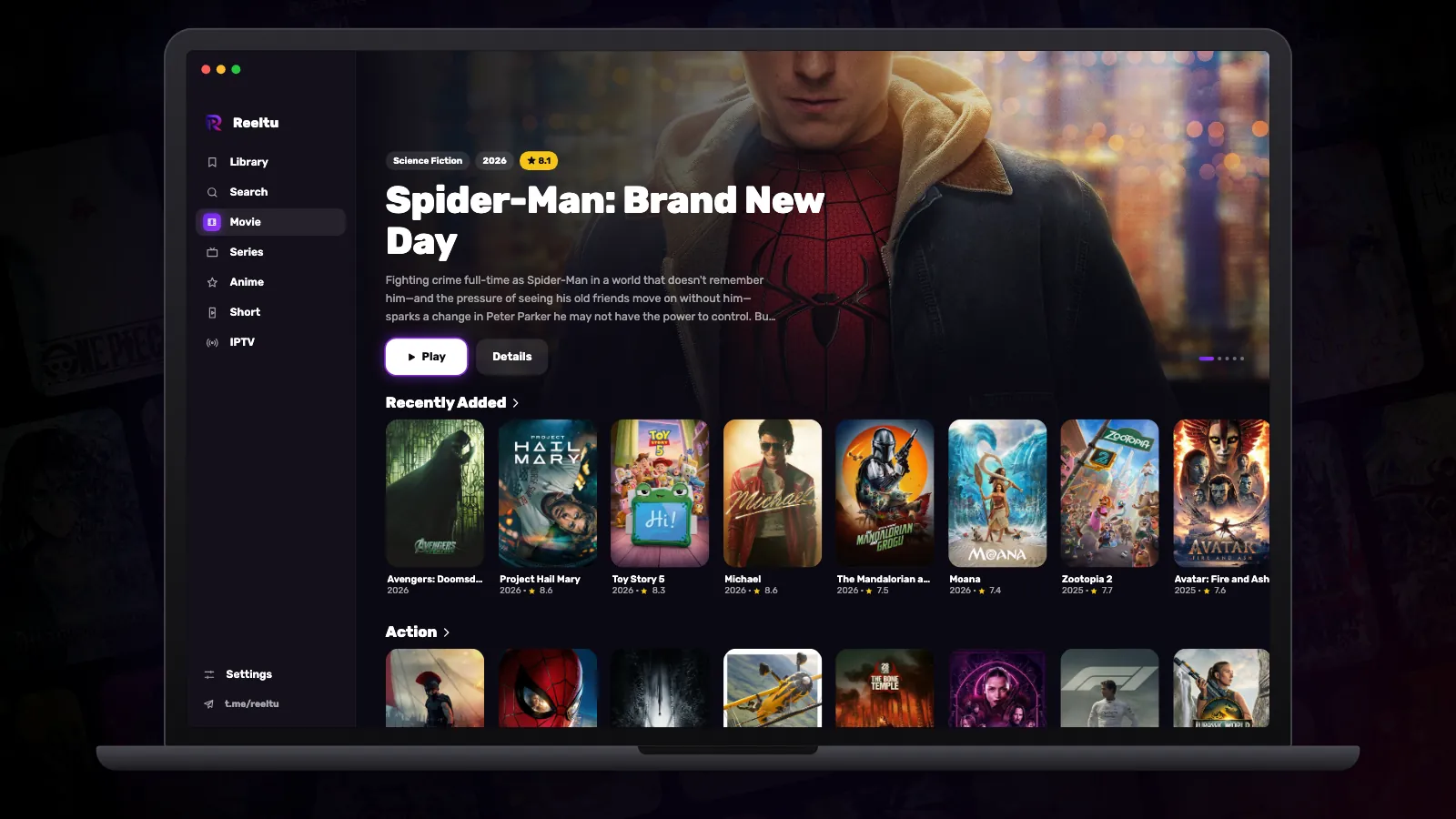
How to install Reeltu on a Mac
A disk image you open and drag into Applications. The app is signed and notarised by Apple, so macOS opens it without an unidentified-developer warning.