Anime gets its own tab in Reeltu
Japanese anime and animation from China and Korea now have a place of their own, with their own rows, dubs where they exist, and subtitles in up to seven languages.
· 4 min read
In this article
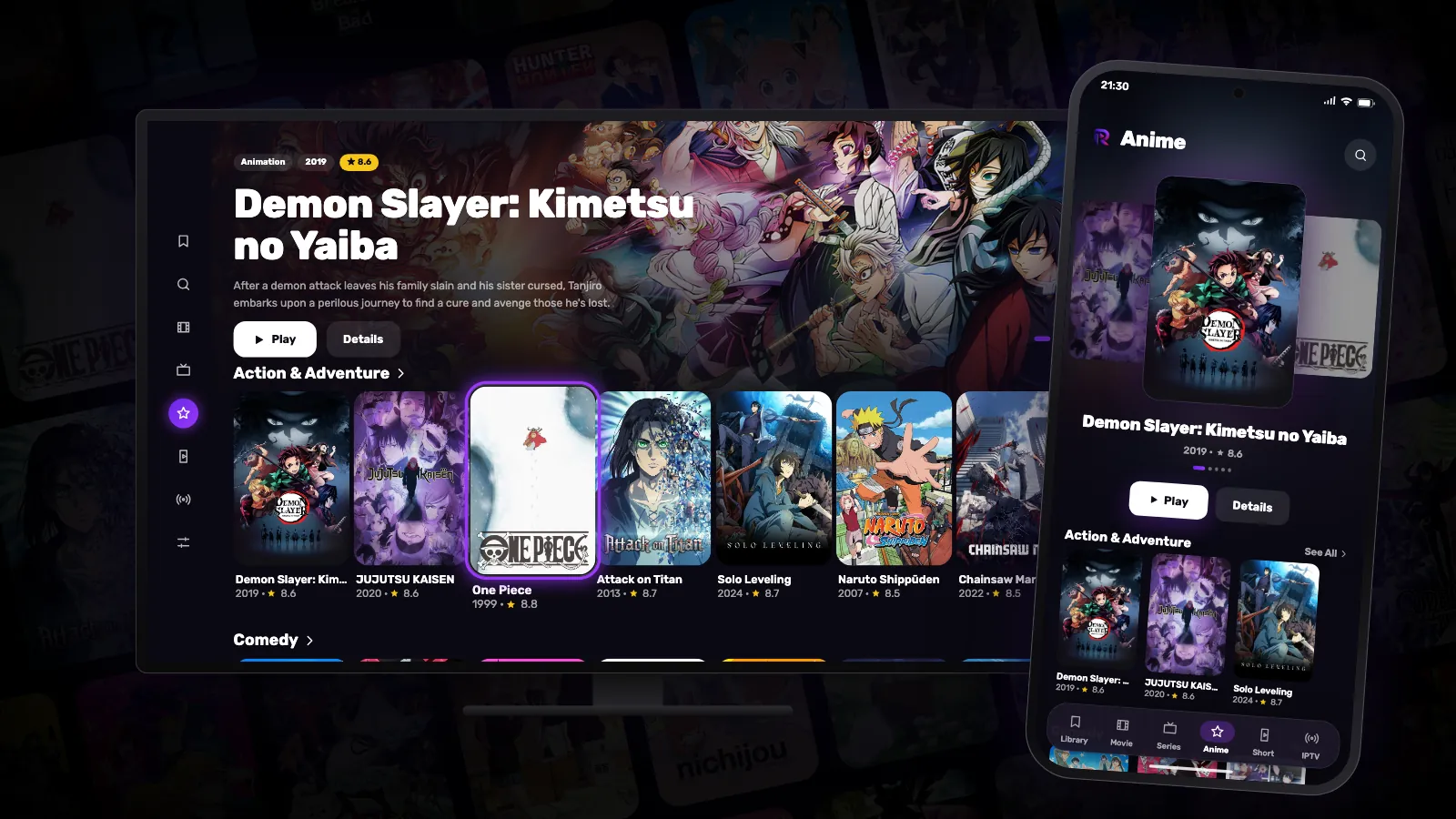
Anime used to sit in the same rows as everything else, between a war film and a family comedy. It deserved better, so it now has its own tab — on Android phones, Android TV and Google TV, Mac and Windows, in every language the app speaks.
What counts as anime
The Anime tab holds animation from Japan, China, Korea, Taiwan and Hong Kong. A Western animated film stays where it was, in the Animation row of the Movie tab. And because anime now has a home of its own, it no longer appears in the Movie and Series rows — those stay about films and series.
Rows made for browsing
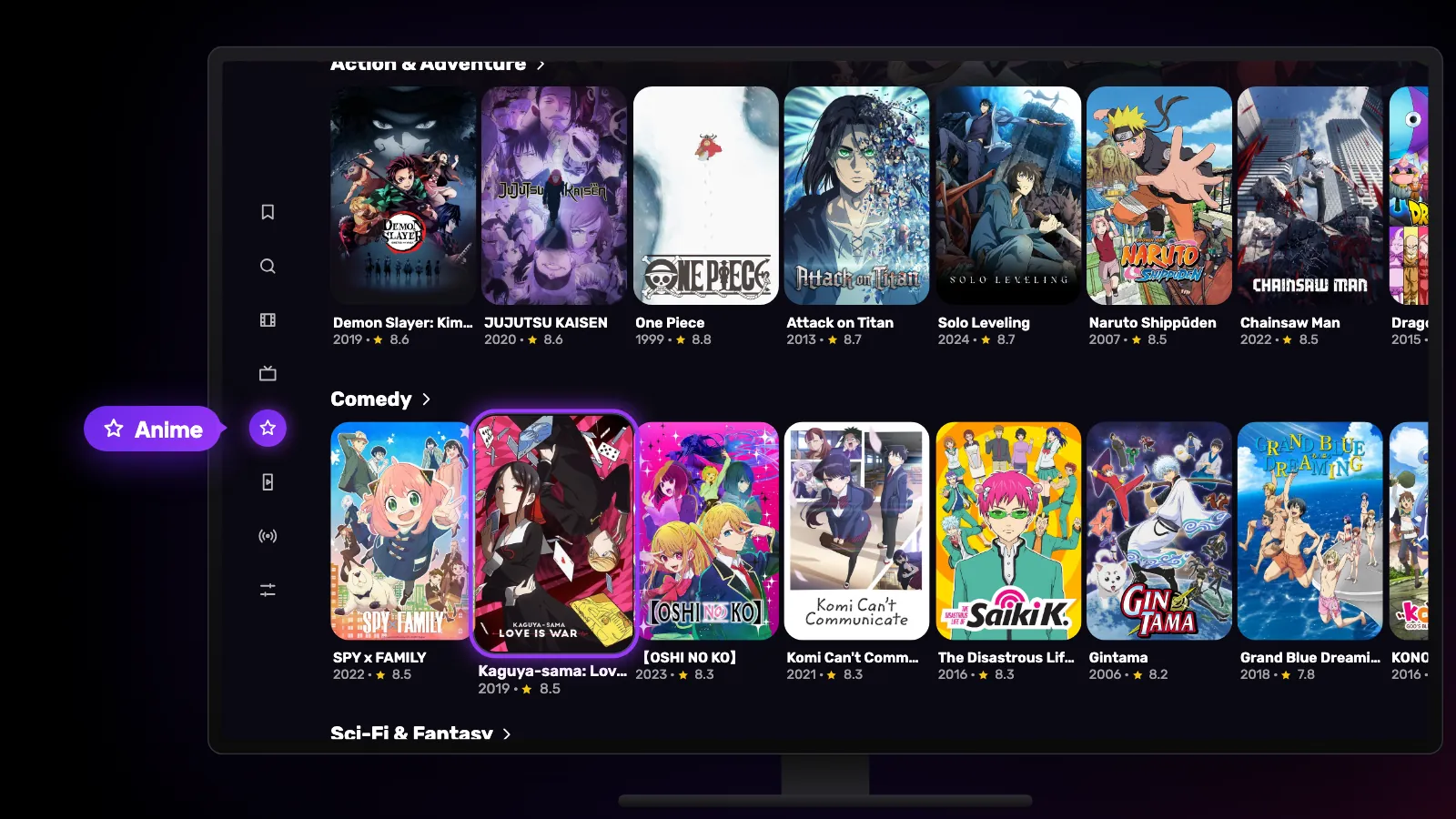
The tab opens with a few featured series at the top, then Recently Added and rows by genre: action and adventure, comedy, science fiction and fantasy, drama, mystery, romance and more. A row with nothing in it is simply not shown.
Every series opens on a page with its seasons and episodes, and Play starts where you want.
Dubbed or original, with subtitles
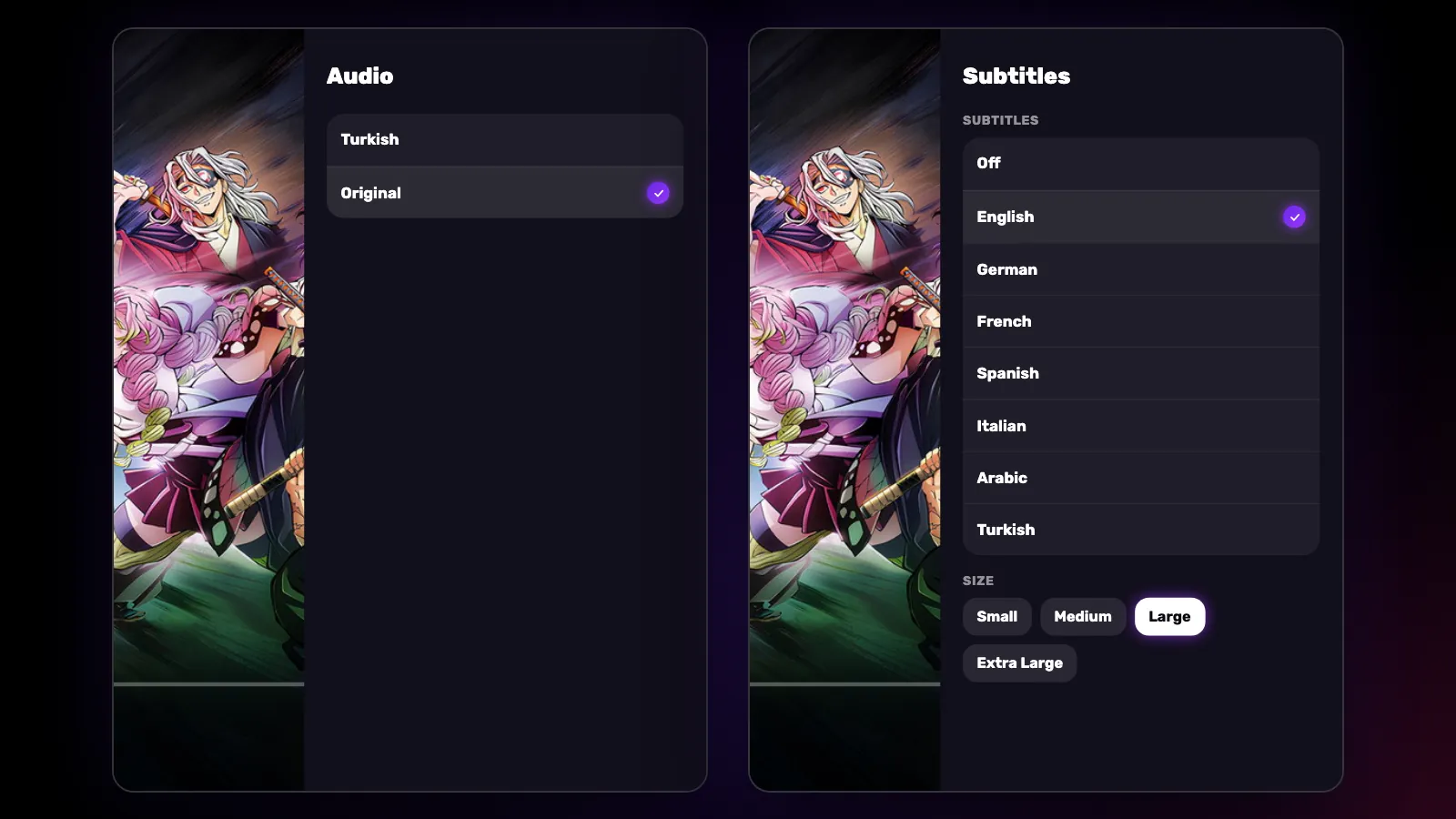
Where a series has a dub, the audio menu in the player lists it next to the original audio. Reeltu starts with a dub in your language when there is one, and with the original audio otherwise — you can switch at any moment and the episode carries on.
Subtitles come in up to seven languages — English, German, French, Spanish, Italian, Arabic and Turkish — depending on the episode. Your language is switched on for you, unless the dub you are hearing is already in your language.
Episode after episode
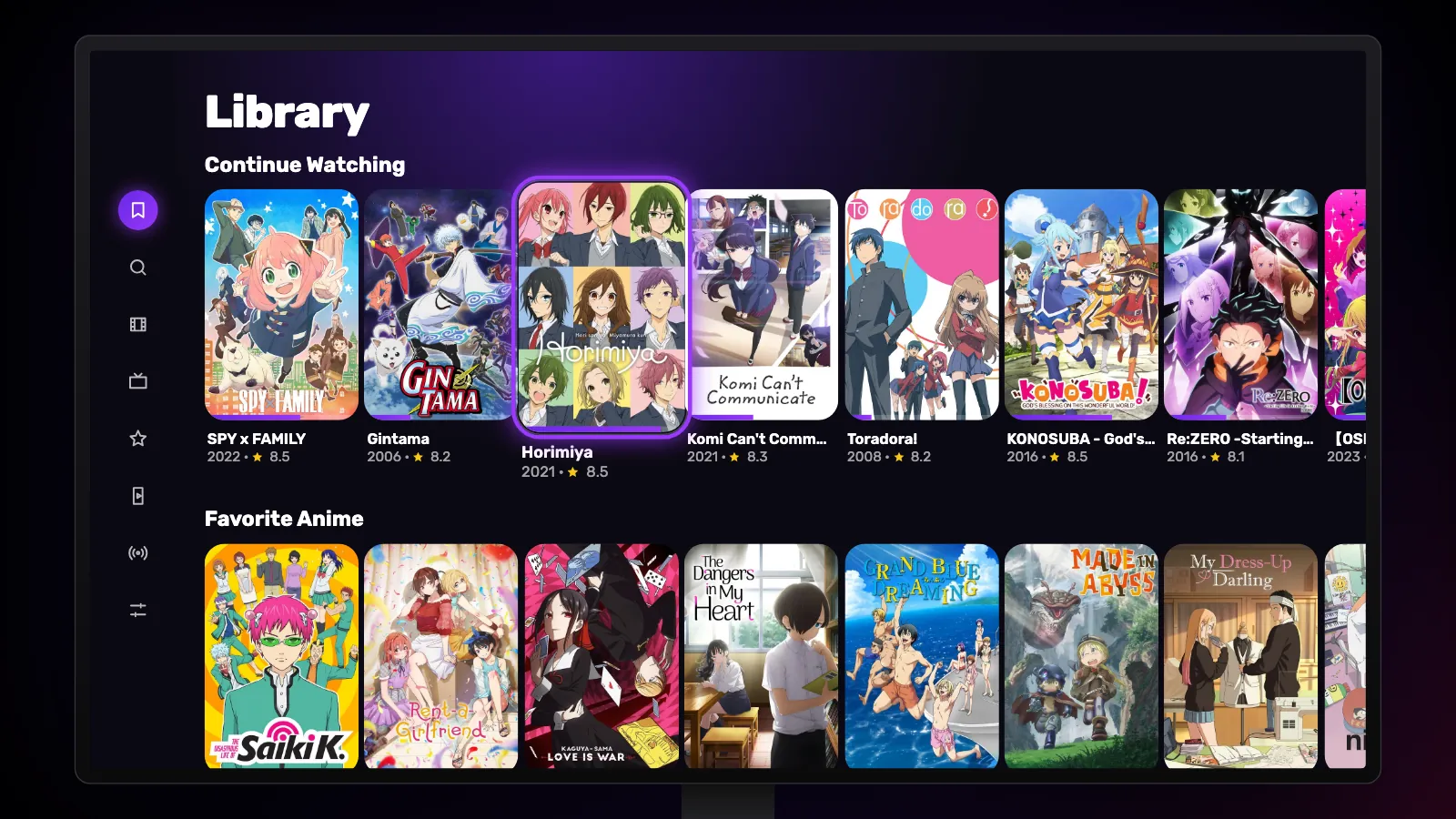
In most series, when an episode ends the next one starts on its own, and at the end of a season the next season follows. Anything you start appears under Continue Watching in your Library, and the anime you favourite get a row of their own there: Favorite Anime.
Watch Reeltu
30 seconds of the app, in your language.
Keep reading
Blog
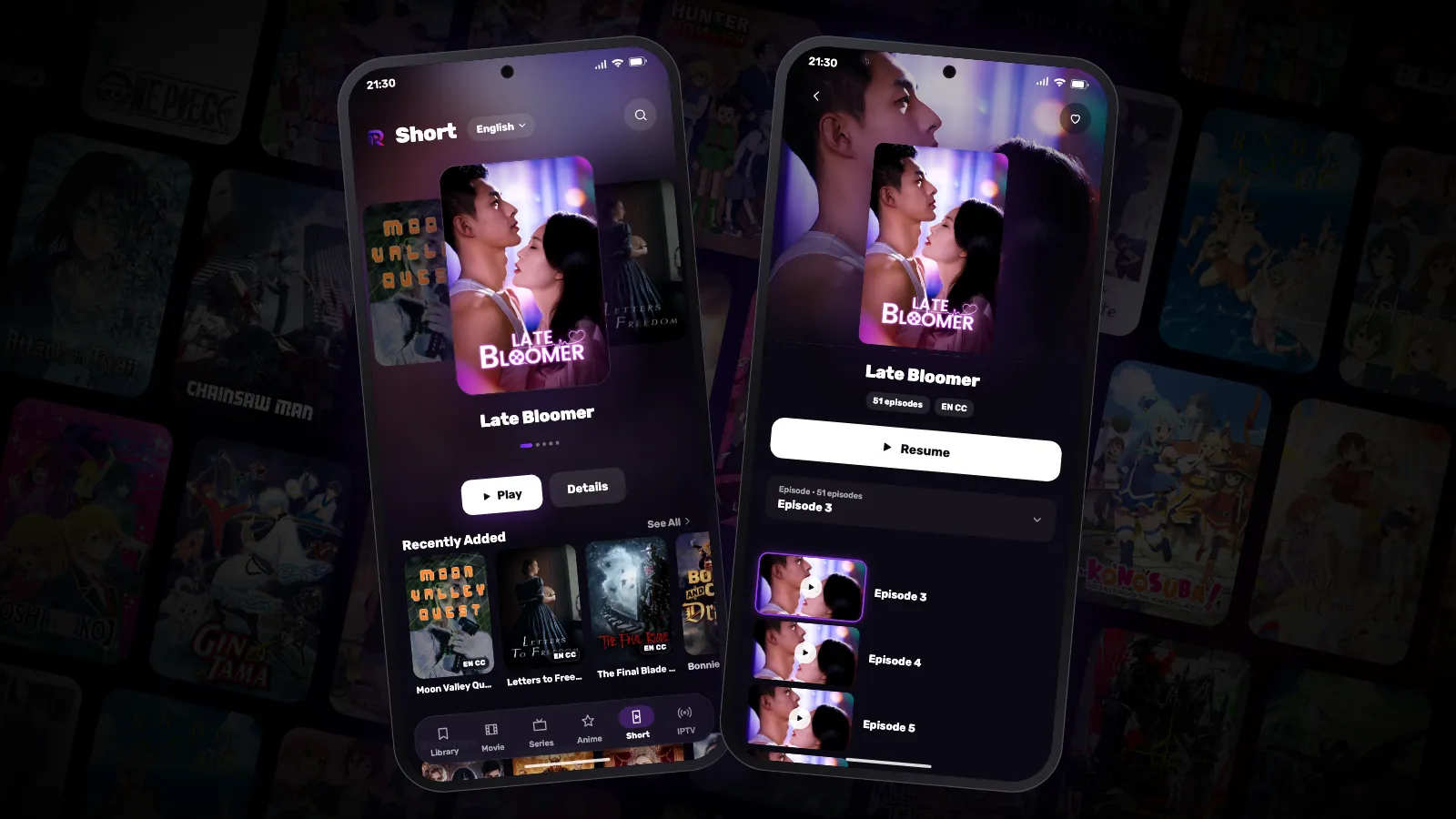
Short: vertical mini-dramas in minute-long episodes
Short dramas were made for the phone: episodes of a minute or two, stories that end on a cliffhanger every time. Reeltu has a tab for them — in your language.
Blog
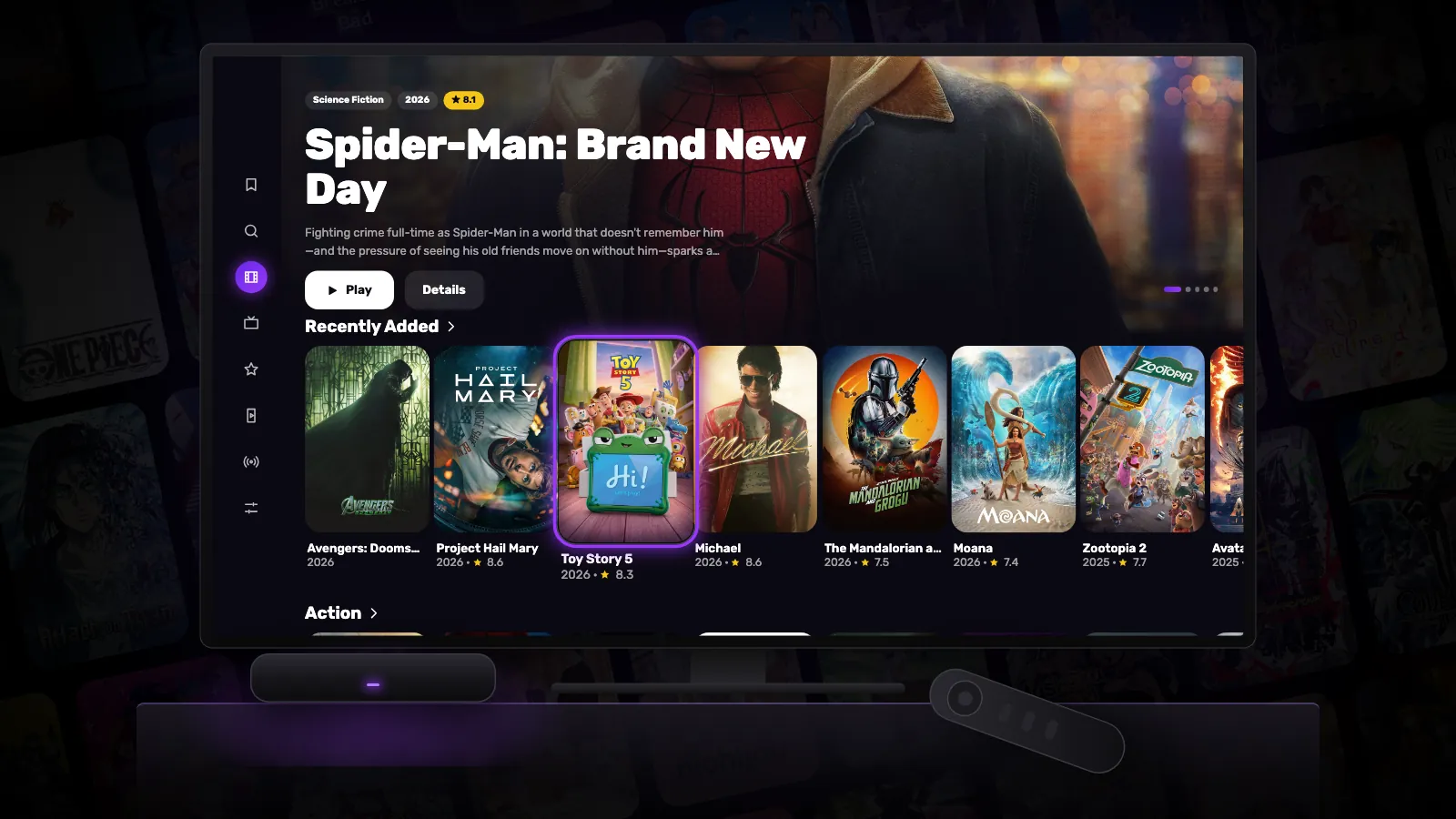
How to bring an old Android TV box back to life
A box that has grown slow over the years is usually not worn out — it is full, busy and out of date. A few settings and half an hour make most of them feel new again.
Blog
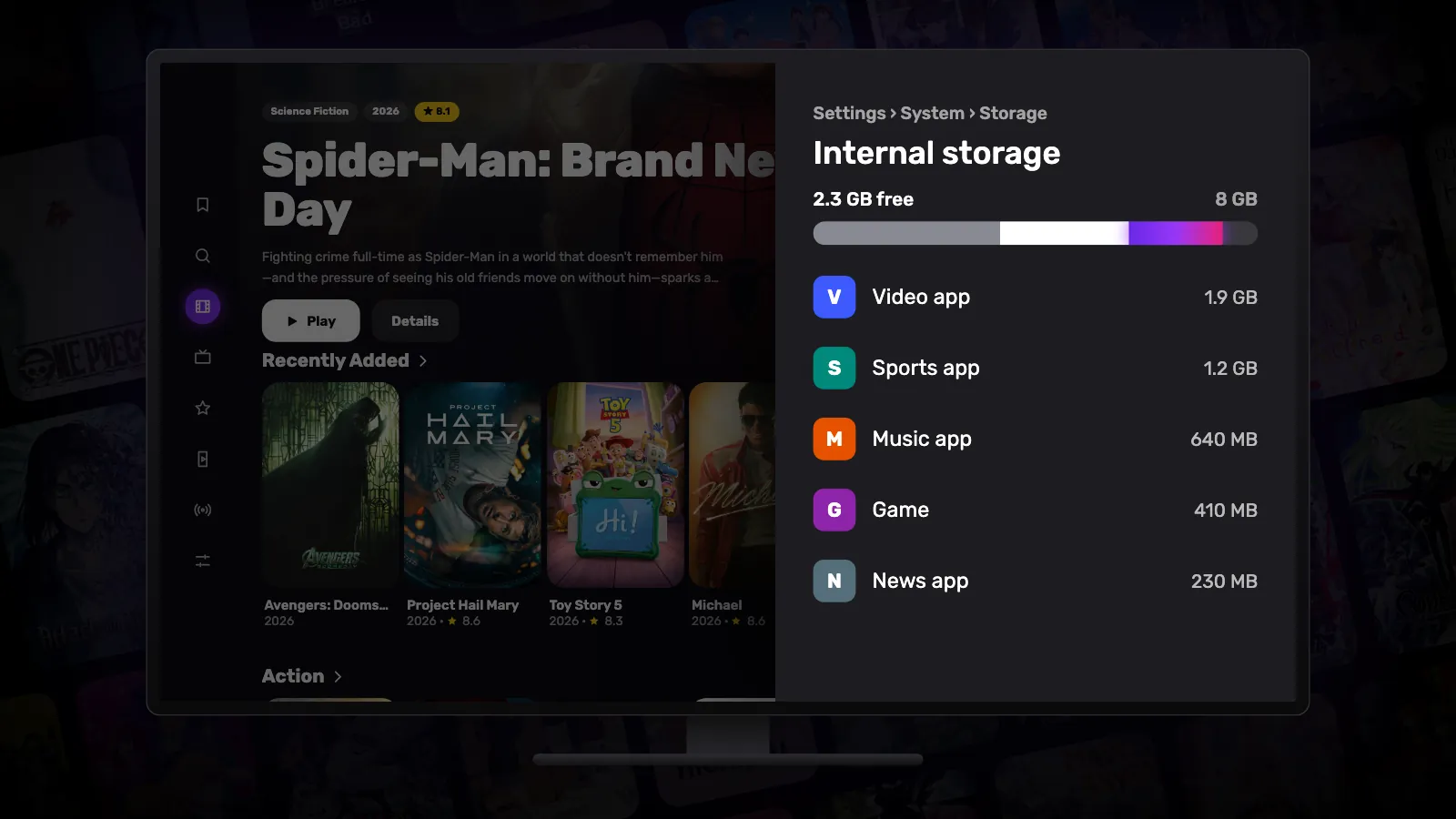
How to free up storage space on Google TV
Most Google TV devices ship with little storage, and a full one gets slow and stops installing updates. Here is where the space goes and how to get it back.